

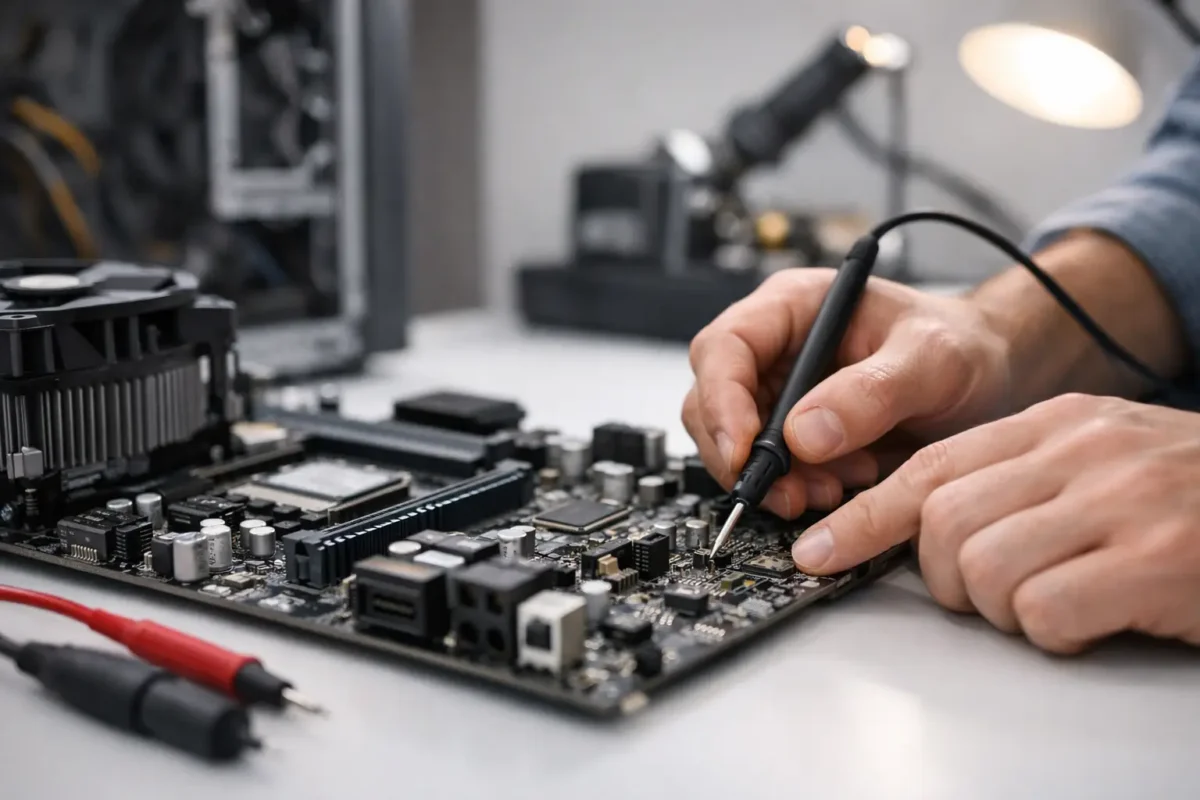
A device that shows no lights, no fan spin, and no response to the power button usually gets labeled dead fast. In reality, no power motherboard repair is often a diagnosis problem before it becomes a repair problem. The difference matters, because a board that looks gone can still be recoverable if the fault is isolated correctly.
This is where a lot of repair attempts go sideways. People replace chargers, batteries, RAM, power supplies, and even whole boards without proving where power stops. That approach gets expensive fast. Proper board-level work starts with a power path, a meter, and a clear process.
What no power actually means
“No power” is a specific symptom, not a final diagnosis. It means the motherboard is not reaching the stage where it can begin its startup sequence. On a laptop, that may look like no charging light and no reaction to the power button. On a desktop motherboard, it may mean standby voltage is missing, or the board never asserts the signals needed to start the main rails. On a game console or specialty electronics board, it can mean a shorted rail is dragging the whole system down before it even gets out of standby.
That distinction is important because “no power” is different from “no display,” “no boot,” or “turns on then shuts off.” Those failures can overlap, but the diagnostic path changes. If the board has standby power, you are already past the first gate. If it has nothing at all, the fault is usually earlier in the chain.
The most common causes of no power motherboard repair
When we see boards with no response at all, the failure usually lands in one of a few areas. Input power is the first. That includes damaged DC jacks, broken USB-C power negotiation circuits, failed charging ICs, blown input MOSFETs, cracked solder joints, bad power supplies, or damaged filters and fuses.
The second category is a short on a main rail or standby rail. A shorted capacitor, failed regulator, damaged GPU or CPU power stage, or a failed embedded controller can prevent the board from bringing up even its basic voltages. In some cases the short is hard and obvious. In others it only appears under injection or after the board warms slightly.
The third category is control logic. A motherboard can have good input voltage and still remain dead if the power button circuit, EC, SIO, BIOS firmware, or enable signals are missing. This is where part-swapping shops often get stuck. The board “looks fine,” but the sequence never starts because one small signal is absent.
Physical damage also matters. Liquid damage, corrosion under chips, impact damage, lifted pads, and previous bad repair work can all break the power path. We see this often on high-value laptops, gaming systems, and pro audio gear where the board may have already been opened once before it arrives.
How a real no power motherboard repair process works
The repair should begin with verification, not assumptions. First, confirm the external source is good. That means testing the adapter under load when possible, checking the battery condition if the device uses one, and verifying the proper input voltage reaches the board.
After that, the board gets checked for the basics. Is there a short to ground on the primary input rail? Is the input fuse open? Are the first MOSFETs passing voltage? Is the charging or power management IC receiving what it needs? If the board has standby rails, are 3.3V and 5V present where they should be?
That sounds simple, but the order matters. If you skip around, you can misread the board and waste time replacing healthy parts. A trained technician follows the power sequence from the jack inward, then from standby to main power-on rails, then into control and logic if the power rails are present but startup never happens.
Why schematics and boardviews help
No power work goes faster and cleaner when the technician has proper board documentation. Schematics show the expected voltages and signal relationships. Boardviews show where those components live physically. Without them, diagnosis becomes slower and riskier, especially on dense multi-layer boards.
Still, documentation is not magic. Some boards have revisions that do not match available files. Others have known failure patterns that only experience reveals. Good technicians use the documents, but they also trust measurement and pattern recognition.
Thermal tools and current injection
When a rail is shorted, finding the exact failed component is often the real job. Current injection lets the technician feed a controlled voltage into the shorted rail and watch for heat. A thermal camera, freeze spray, or even careful fingertip comparison can reveal the culprit.
This is one of the clearest examples of why board-level repair beats blind replacement. If a single capacitor is shorted, replacing the whole board is overkill. If a major chip is shorted internally, that changes the repair decision and the quote. Either way, the customer gets an answer based on evidence.
When repair makes sense and when it does not
No power motherboard repair is often worth doing on expensive laptops, gaming PCs, professional DJ equipment, game consoles, and business-critical systems. If the replacement board is costly, discontinued, unavailable, or tied to serialized components, board repair can save real money and preserve the original hardware.
It does depend on the fault. Replacing an input MOSFET, charging IC, fuse, or damaged connector is usually straightforward if surrounding damage is limited. Repairing corrosion under a fine-pitch controller or replacing a large BGA chip is more involved and may not be the best value on lower-end devices.
Data value matters too. On some systems, a dead motherboard also blocks access to important files, settings, or licensed software environments. Even if full repair is not practical, targeted board work may be justified to recover data or return the machine to a usable state long enough for migration.
Why part swapping fails on dead boards
A no-power board exposes the limits of surface-level repair. If a shop only knows how to swap batteries, ports, or entire assemblies, they may never identify the actual fault. Worse, they may install multiple parts that do nothing because the real issue is a missing enable signal, a shorted rail, or a corroded trace under a chip.
That is why in-house diagnostics matter. At Amazing Technology Group, the value is not just soldering skill. It is the ability to trace the failure path, identify what actually failed, and decide whether the repair is stable, cost-effective, and worth authorizing. Customers do better when the process is based on engineering, not guesswork.
What customers should do before authorizing service
If your board has no power, avoid repeated plug-in attempts, random charger swaps, and online “fixes” that involve heating the board or bridging components. Those shortcuts can turn a repairable board into a parts board.
Bring the original power adapter if possible. Mention any history that helps, especially liquid exposure, lightning events, sudden shutdowns, burning smell, previous repairs, or intermittent charging before failure. Those details narrow the search much faster than most people realize.
It also helps to ask how the shop handles diagnosis. Do they perform board-level testing, or do they stop at assembly replacement? Do they explain whether the fault is on the input stage, standby circuit, or main rail? Clear answers usually tell you whether the repair is being approached professionally.
What a good repair outcome looks like
A proper fix is not just a board that powers on once. It should pass repeat start-stop testing, charge correctly if applicable, and show stable behavior under normal operation. If the failure involved heat, liquid, or damaged pads, the technician should also evaluate long-term reliability, not just immediate function.
That is the difference between getting power back and getting a trustworthy repair. Real board work should solve the root cause, verify the surrounding circuit, and leave the customer with a realistic picture of what was fixed and what risks remain.
When a motherboard goes completely dead, the smartest next step is not replacing everything around it. It is finding exactly where the power path breaks and letting the evidence lead the repair.