

A valuable laptop that will not power on, a PS5 with no HDMI output, or a DJ controller with dead channels is not a good candidate for guesswork. A mail-in repair service review should focus on what happens after your device leaves your hands: who diagnoses it, how repair decisions are approved, whether the work stays in-house, and how the unit is tested before it comes back.
Mail-in service is often the right answer when local shops only offer part swaps, decline board-level failures, or lack experience with specialized equipment. It also has a real trade-off: you need to choose a repair provider carefully because shipping adds handling, time, and risk. The right shop makes that process clear before you pack a box.
What a Mail-In Repair Service Review Should Examine
The first question is not whether a repair shop can accept packages. Almost any shop can receive one. The better question is whether it has the technical process to identify the actual fault and repair it without replacing expensive assemblies unnecessarily.
For example, a laptop that does not charge may have a damaged charging circuit, a failed USB-C controller, corrosion, a battery issue, or a problem in the power-delivery path. Replacing the motherboard may work, but it can be expensive, unavailable, or unnecessary. A technician who can trace the fault at the board level may be able to repair the failed circuit instead.
That distinction matters just as much with game consoles, desktop PCs, MacBooks, audio gear, and controllers. A shop that performs real diagnostics can tell the difference between a symptom and a cause. That is where customers often save money and keep hardware that another provider would write off.
Look for a defined diagnostic process
A dependable mail-in provider should explain what happens when your device arrives. The device should be logged in, inspected for shipping damage, and evaluated by a technician before a repair path is proposed. Complex electronics do not always reveal the problem during a quick visual check, so diagnosis may include voltage testing, thermal inspection, component testing, firmware checks, or signal tracing.
Be cautious of flat repair promises made before anyone has inspected the device. A fixed price can be useful for a common repair with a well-known failure pattern, such as a controller stick replacement. It is less reliable for liquid damage, intermittent crashes, power failures, or damaged circuit boards. Honest shops explain the difference.
A proper estimate should state what is known, what work is recommended, and what the repair will cost before non-approved work moves forward. If more damage appears during the repair, the shop should contact you rather than treating your device like an open-ended project.
Confirm the work is actually done in-house
Some businesses take in repairs but send difficult jobs to a third party. That can add delays, limit accountability, and create a disconnect between the person communicating with you and the person touching the hardware.
In-house repair is especially valuable for motherboard repair, micro-soldering, BGA rework, PCB trace repair, HDMI port work, liquid-damage restoration, and data-sensitive computer issues. The technician can test, diagnose, repair, and retest the same unit without the extra handoff.
Ask directly whether the shop performs board-level repair in-house and whether it handles your device category regularly. The answer should be clear. A shop that works on gaming PCs may not be equipped to diagnose a Pioneer DJ controller, and a phone-focused storefront may not have the tools or experience for a failed PS5 HDMI circuit.
Shipping Your Device Without Creating New Damage
Shipping is not complicated, but careless packing can turn a repairable problem into a larger one. Your goal is to keep the device from moving inside the box and to protect sensitive surfaces, ports, and displays.
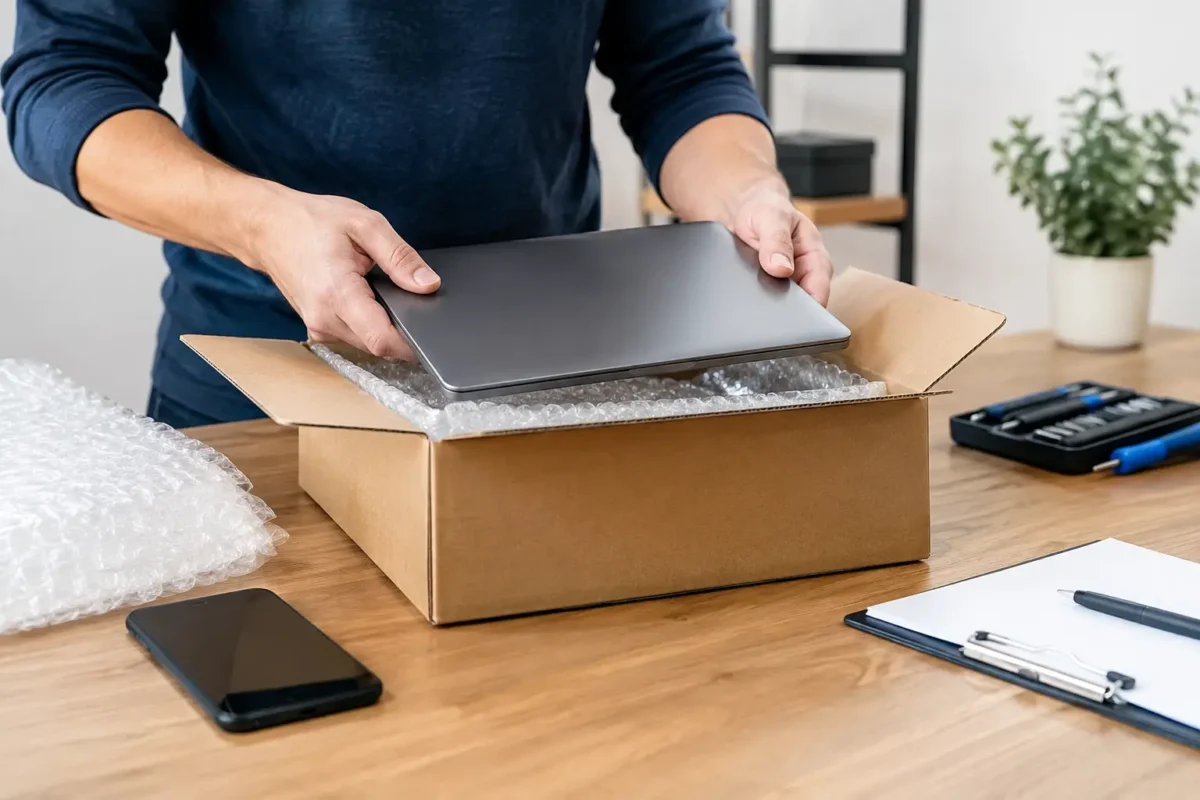
Use a sturdy box with room for padding on every side. Wrap the device in anti-static material when appropriate, then use bubble wrap or foam so it cannot shift during transit. For a desktop computer, remove or support heavy graphics cards if possible. For laptops, consoles, and DJ equipment, protect the screen, knobs, jog wheels, and exposed connectors from pressure.
Do not ship unnecessary accessories unless the issue requires them. A console power problem may require its power cable for testing, while a controller repair usually does not require a console. A laptop charging issue may require the charger. When in doubt, ask what needs to be included before shipping.
Take photos of the device from multiple angles before packing it. Record serial numbers, note existing cosmetic damage, and describe the failure in plain language. Details such as “powers on for two seconds, then shuts off” or “HDMI signal drops after warming up” give the technician a stronger starting point than “does not work.”
Data Protection Is Part of the Repair Decision
A mail-in repair service review is incomplete if it ignores your data. Computer repair can involve storage drives, operating systems, passwords, encryption, and accounts. A responsible provider should treat that information as private and only access what is necessary to diagnose and verify the repair.
Before shipping a computer, make a backup if the system can still boot. Sign out of accounts where practical, remove sensitive files if you can do so safely, and write down your login information only if the technician genuinely needs it. Never send passwords through an insecure method just because a repair form asks for them.
There are situations where a backup is impossible. A dead motherboard, failing drive, or encrypted system may prevent normal access. In those cases, tell the shop that the data matters before work begins. That lets the technician choose a more conservative diagnostic path and discuss data recovery options if needed.
Keep expectations realistic. Board repair can restore access to a computer, but it cannot guarantee the health of a storage device that was already failing. Likewise, software troubleshooting may require reinstalling an operating system if corruption is severe. Clear authorization protects both the customer and the repair process.
Repair Quality Is Proven Through Testing
The repair is not finished when a new port is installed or a shorted component is replaced. It is finished when the original failure is addressed and the device holds up under appropriate testing.
For a console HDMI repair, that means verifying stable video output, checking the connector, and confirming the system does not lose signal during use. For a laptop power repair, it means testing charging behavior, battery operation, startup, and relevant ports. For DJ equipment, it may mean checking inputs, outputs, channel controls, jog response, and extended audio performance.
Ask what testing is performed after the repair and whether the shop offers a warranty on the completed work. A warranty does not mean every future failure is covered. Electronics can develop separate faults, especially after liquid exposure, impact damage, or years of heavy use. It does show that the provider stands behind the specific repair it performed.
Amazing Technology Group approaches difficult repairs with this standard in mind: diagnose the real fault, perform the work in-house when possible, and verify that the device is functioning before it is returned. That is the difference between sending a device away and putting it in the hands of a repair team.
When Mail-In Repair Makes Sense
Mail-in repair is a strong option when the device is valuable, specialized, or difficult to replace. It is particularly useful for customers outside Riverside County who need deeper technical work than nearby shops provide. It can also make sense when a local provider has already quoted a full board replacement, refused the repair, or diagnosed only at the assembly level.
It may not be the best choice for low-value devices with readily available replacement parts, equipment needed urgently for a live event, or hardware that is physically too damaged to ship safely. Shipping time and cost should be weighed against the device’s value, the quality of available local service, and the likelihood that a component-level repair can save it.
Before you ship, ask about diagnostic fees, estimate approval, turnaround expectations, return shipping, warranty terms, and the exact accessories required. A serious repair provider will answer those questions directly. Pack the device like it matters, document the symptoms clearly, and give the technician the information needed to solve the problem right the first time.