

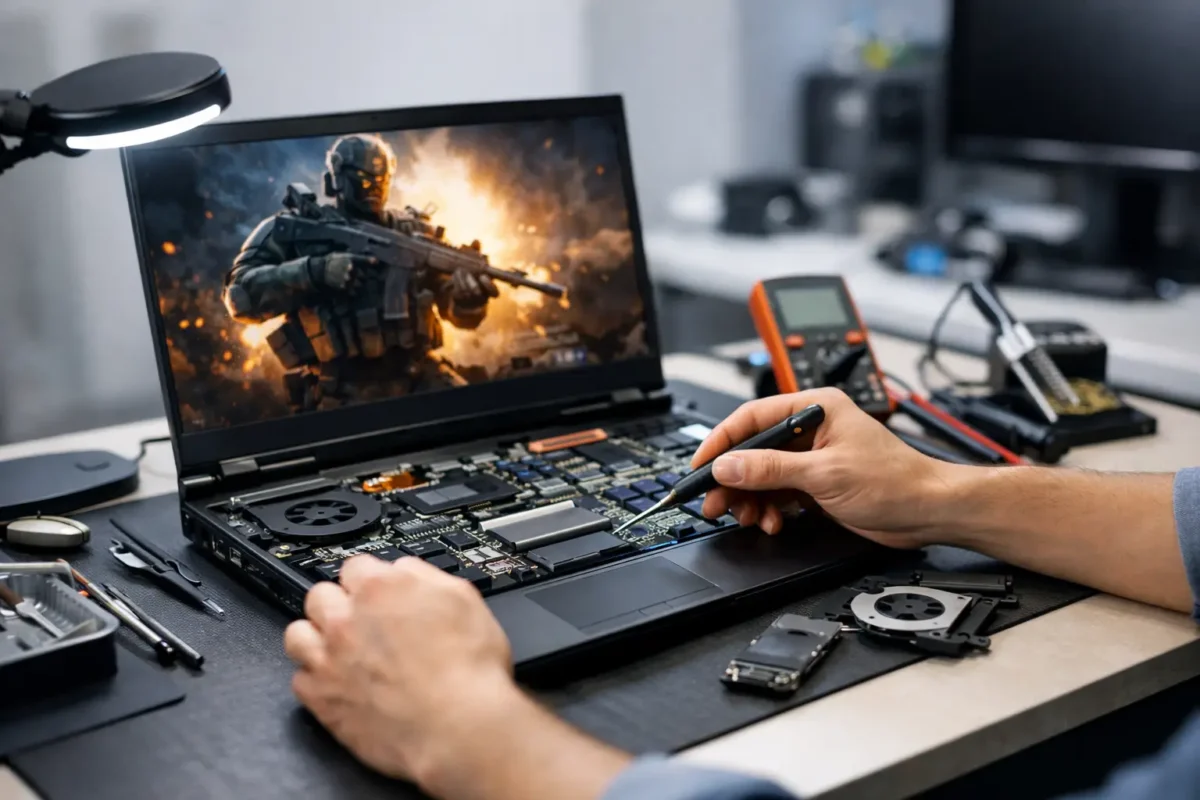
A gaming laptop that suddenly throttles, crashes under load, shows no display, or refuses to charge is not just a minor inconvenience. It can take out your work machine, your school system, and your weekend setup at the same time. The best repair options for gaming laptops depend on the failure, the laptop’s age, its warranty status, and whether the shop can diagnose the real cause instead of guessing with replacement parts.
Gaming laptops pack desktop-class power into a tight chassis. That means heat, power delivery, liquid damage, worn fans, broken charging ports, and failed graphics circuitry can create symptoms that look similar from the outside. A reliable repair starts by separating a simple maintenance problem from a component-level failure.
Start With the Failure, Not the Part
Many repair decisions go wrong when someone starts with a presumed bad part. A laptop that turns on but has no picture may have a damaged display panel, a loose display cable, failed memory, corrupted firmware, a graphics problem, or a board-level power issue. Replacing the screen first may be quick, but it is not a diagnosis.
The same is true for overheating. High temperatures can come from blocked vents and dried thermal compound, but they can also point to a failing fan, warped heatsink contact, damaged heat pipes, an improperly installed upgrade, or firmware settings that keep the system overpowered. A good technician tests the machine under controlled load, checks temperatures and power behavior, and inspects the physical cooling system before recommending work.
Ask any repair provider what they actually test before quoting a major repair. If the answer is only “we’ll try a new part,” you may be paying for trial and error. On an expensive gaming machine, that approach gets costly fast.
Best Repair Options for Gaming Laptops by Problem
Manufacturer warranty or extended coverage
Warranty service is usually the right first move when the laptop is still covered and the issue is clearly a manufacturing defect. It can protect you from paying for a motherboard, display, or GPU-related repair out of pocket. Check the terms carefully, especially if the laptop has been opened for storage or memory upgrades, repasted, overclocked, or damaged by a spill.
The trade-off is control. Manufacturer service may require shipping, wait times, and a full board replacement rather than repair. You may also be asked to back up or erase the system. For a newer laptop with valid coverage, that inconvenience is often worth it. For an older machine or one with accidental damage exclusions, it may not be.
A qualified independent repair shop
An independent shop is often the strongest option for out-of-warranty laptops, physical damage, cooling problems, charging failures, and performance issues. The right shop can inspect the device in person, explain the findings, and give you a repair path based on condition and value rather than a one-size-fits-all service policy.
This route is especially useful when you need more than a replacement component. For example, a damaged DC-in jack may require soldered port replacement. A broken hinge can also damage the display cable, lid, or chassis mounting points. A laptop with random shutdowns may need thermal service, power testing, BIOS recovery, and inspection for prior liquid residue.
Choose a shop that is comfortable working on gaming hardware from brands such as ASUS ROG, MSI, Alienware, Lenovo Legion, Acer Predator, HP Omen, and Razer. These systems use different cooling layouts, board designs, firmware controls, and parts availability. Familiarity matters.
Board-level and micro-soldering repair
Board-level repair is the option many standard shops do not offer, but it can be the difference between restoring a laptop and replacing it. Instead of swapping the entire motherboard, a technician traces the failed circuit and repairs or replaces the affected component. That may include charging ICs, power MOSFETs, USB-C power circuitry, fuses, capacitors, display connectors, and damaged pads or traces.
This option makes sense when the motherboard is expensive, unavailable, or contains a configuration that would be difficult to replace. It is also valuable after liquid damage, charging-port damage, power surges, and no-power conditions. Not every board is economically repairable, and a severe GPU or CPU failure can change the calculation. Still, proper diagnostics should happen before anyone declares a motherboard “dead.”
Amazing Technology Group handles advanced diagnostics and in-house board-level work because difficult failures deserve more than an automatic replacement recommendation. A repairable circuit should be evaluated as a repairable circuit.
Cooling restoration and preventative service
If your laptop runs hot, sounds like a small turbine, loses clock speed, or shuts down during games, cooling service may be the most cost-effective repair available. A proper service includes internal dust removal, fan inspection, heatsink removal when appropriate, fresh thermal compound, and replacement of worn thermal pads with the correct thickness and placement.
Do not treat thermal service as cosmetic maintenance. On a gaming laptop, sustained heat can shorten the life of fans, batteries, storage devices, and power components. It can also cause the CPU and GPU to throttle, making a powerful laptop perform like a lower-tier system.
Be cautious with shops that use generic pads or apply too much paste. Gaming laptop heatsinks are designed around precise contact pressure and component clearances. Poor materials or rushed reassembly can make temperatures worse.
Screen, keyboard, hinge, and chassis repair
Physical repairs can be straightforward, but they still require careful parts matching. A cracked screen needs the correct size, connector type, refresh rate, resolution, and mounting arrangement. Replacing a 165 Hz panel with a basic 60 Hz panel may restore an image, but it does not restore the gaming experience you paid for.
Hinge repair needs special attention. A stiff or broken hinge can tear mounting points from the lid, pull on the display cable, or crack the palm rest. Simply gluing the area may not hold. The right repair addresses the hinge tension, damaged mounts, and any related cable or panel damage.
Keyboard replacement can range from manageable to labor-intensive. On some laptops, the keyboard is integrated into the top case or requires a near-complete teardown. Get a clear quote that distinguishes the part cost from the labor required to access it.
Storage, memory, battery, and software recovery
Not every problem is a motherboard problem. Failed SSDs, corrupted Windows installations, unstable memory, swollen batteries, and damaged charging adapters can all cause crashes, boot loops, poor performance, or unexpected shutdowns.
An experienced technician should test these areas before recommending expensive work. Storage replacement may also require data recovery or system migration. If your files matter, say so before authorizing an operating system reinstall. A clean install can solve software corruption, but it can also overwrite the opportunity for easier recovery.
How to Decide Whether Repair Is Worth It
Start with the laptop’s replacement cost and real performance value. A two-year-old gaming laptop with a high-refresh display and a current-generation GPU may justify a significant repair. A seven-year-old model with weak battery life, obsolete graphics, and multiple issues may be better repaired only if the fix is modest or the machine has a specific role.
Then consider the scope. A fan replacement, charging port repair, screen replacement, SSD upgrade, or thermal service is often easy to justify. A heavily corroded board, failed GPU core, and broken chassis on an aging unit may not be. The point is not to avoid hard repairs. It is to make the decision with evidence.
Request a written diagnosis that explains the symptom, confirmed cause, recommended repair, cost range, and risk factors. Ask whether the quote includes testing after repair and whether the repair carries a workmanship warranty. Straight answers are a good sign.
What to Do Before You Bring It In
If the laptop still boots, back up important files. Record the symptoms, including whether the issue happens only while gaming, charging, moving the screen, or using a particular USB device. Bring the correct charger, because an underpowered or failing adapter can imitate internal power faults.
Do not keep forcing a laptop to run if you smell burning, see battery swelling, notice liquid inside, or experience repeated shutdowns. Shut it down and disconnect power. Continued use can turn a limited repair into wider board damage.
The right repair option is not always the cheapest quote or the fastest part swap. It is the path that identifies the actual failure, protects the rest of the machine, and gives you a clear answer about whether your gaming laptop is worth restoring. A good technician should leave you with more than a working device – you should know what failed, why it failed, and what will help keep it running hard.