

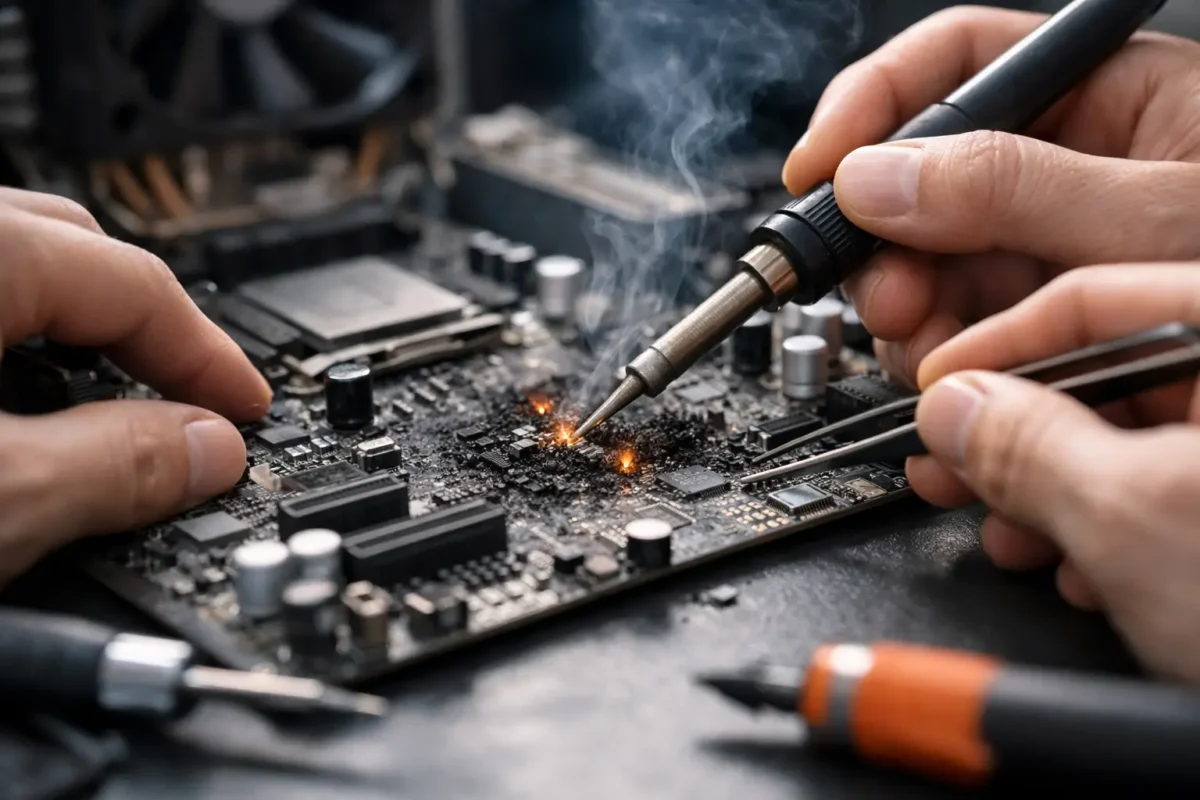
A motherboard can fail in a split second after a liquid spill, a bad charger, a power surge, or a component breakdown. The good news is that can motherboard short circuits be repaired is often a yes – provided the damage is identified correctly and the board has not suffered widespread destruction. A short does not automatically mean a computer, game console, laptop, or DJ controller belongs in the trash. It means the repair starts with real diagnostics.
At Amazing Technology Group, that distinction matters. Replacing an entire board may be fast, but it can also be expensive, unavailable, or unnecessary. Board-level repair finds the failed area, confirms the cause, and repairs only what the device actually needs.
What a Motherboard Short Circuit Really Means
A short circuit happens when electricity travels along an unintended path with very little resistance. Instead of moving through the circuit as designed, power may flow directly to ground or into a neighboring circuit. The result can be a device that will not turn on, immediately shuts down, gets unusually hot, or draws far more current than it should.
On a motherboard, a short is usually not a visible burned hole. It can be a tiny failed capacitor, a damaged MOSFET, a shorted integrated circuit, corrosion under a chip, or a damaged power rail. Modern boards pack dense circuitry into a small space, especially in laptops, consoles, compact desktops, and professional audio equipment. That is why a proper diagnosis requires more than looking for scorch marks.
A short may be present on a main power rail, a CPU or GPU rail, a charging circuit, a USB circuit, a memory rail, or one of many smaller voltage lines. The location changes both the repair method and the odds of success.
Can Motherboard Short Circuits Be Repaired? It Depends on the Damage
Many motherboard shorts are repairable. A shorted capacitor, diode, transistor, USB protection component, fuse, or power-management component can often be removed and replaced. If corrosion is limited and caught early, technicians can clean affected areas, repair damaged traces or pads, replace failed parts, and restore the board.
The repair becomes more difficult when the short has damaged multiple layers of the printed circuit board, burned internal traces, destroyed a processor, or spread corrosion under several BGA chips. A BGA chip is soldered to the board through an array of tiny solder balls underneath it. Damage in that area may require advanced rework equipment and careful testing after the repair.
Repairability also depends on the value of the device. A board-level repair on a high-end gaming laptop, custom desktop motherboard, PS5, MacBook, Pioneer DJ controller, or commercial workstation can be a smart investment because replacement boards may cost hundreds of dollars or are simply unavailable. On an older, low-value device with major board damage, replacement may be the more sensible path. The answer should come after diagnosis, not guesswork.
Common Causes of Motherboard Shorts
Liquid damage is one of the most common causes. Coffee, soda, water, humidity, and cleaning fluids can create immediate shorts or leave behind residue that causes corrosion over time. A device may appear fine after a spill, then fail days or weeks later as corrosion eats at components and solder joints.
Power problems are another major cause. Low-quality chargers, damaged charging cables, incorrect power supplies, unstable outlets, lightning events, and failed power bricks can send the wrong voltage or create electrical stress in charging and input circuits. Desktop PCs can also suffer from a failed power supply that damages components connected to the motherboard.
Component failure can happen without an outside event. Capacitors age, power transistors fail, chips break down from heat, and conductive debris can settle on a board. Poor previous repair work can also create solder bridges, torn pads, missing components, or improperly installed parts that lead to a short.
Signs Your Device May Have a Board Short
A dead device is not automatically shorted, but certain symptoms point technicians in that direction. The device may show no charging light, turn on for one second and shut off, repeatedly cycle power, refuse to charge, or heat up around one area even when it will not boot.
For a desktop PC, a power supply that clicks off immediately or a motherboard that receives standby power but will not start can indicate a shorted rail. For laptops, a charger LED that goes out when connected can be a strong clue. Consoles may beep and shut down, show no power at all, or have a power supply that enters protection mode. A DJ controller may have dead USB connectivity, missing power, or an output section that overheats.
These symptoms overlap with other failures, including bad batteries, power supplies, screens, storage devices, firmware issues, and faulty peripherals. That is exactly why replacing parts at random is expensive and often misses the real fault.
How Professionals Find a Short Circuit
A skilled board repair begins by checking for obvious damage: liquid residue, corrosion, burnt components, broken connectors, cracked areas, and signs of a previous failed repair. But visual inspection is only the first step.
Technicians then measure resistance and diode values on key power rails to determine whether a rail is shorted to ground. They use schematics, board views, multimeters, bench power supplies, thermal cameras, and sometimes specialized methods such as controlled voltage injection. With the correct voltage and current limit applied to the affected rail, the failed component may reveal itself as a localized heat source.
That process has to be controlled. Injecting voltage into the wrong rail or at the wrong level can destroy a CPU, GPU, storage controller, or other expensive chip. The goal is not to force power through the board. The goal is to isolate the fault without creating new damage.
Once the culprit is confirmed, the component is removed with proper hot-air or micro-soldering tools. The surrounding pads and traces are inspected, repaired if necessary, and cleaned. A replacement component with the correct specifications is installed, followed by new measurements and staged power testing. If the short is gone, the board still needs functional testing to confirm charging, startup, ports, audio, video, networking, storage, and other affected features work as they should.
Why DIY Short-Circuit Repair Can Go Wrong
Disconnecting power, removing a battery when possible, and avoiding repeated attempts to turn on a liquid-damaged device are sensible first steps. Beyond that, motherboard short repair is not a good place for improvised tools or internet guesswork.
A shorted component can be smaller than a grain of rice. Nearby components may be heat-sensitive, and multilayer boards can hide damage inside the PCB. Using too much heat, scraping at corrosion, bridging pins with solder, or powering a wet device can turn a repairable fault into permanent board damage.
Do not keep plugging in a device that shuts down, smells burned, or gets hot. Do not use rice as a liquid-damage fix. Rice does not remove corrosion or conductive residue, and it can delay the cleaning and inspection that the board actually needs.
Repair Versus Replacement: Making the Practical Call
The right decision comes down to the fault, the device’s condition, part availability, and what is stored on it. If a single failed capacitor is shorting a valuable board, repair is usually worthwhile. If liquid damage has corroded several board sections, damaged a processor, and reached the display, keyboard, battery, or other assemblies, the total may not justify a full restoration.
Data can change the equation. A board that is not economical to restore for daily use may still be worth repairing long enough to recover critical files, business records, photos, project data, or application credentials. In some cases, a targeted board repair is the safest route to getting irreplaceable information back.
Ask for a diagnostic that identifies the affected circuit and explains the recommended path before approving the work. A clear repair process should separate the diagnostic findings from the repair authorization, so you know whether the issue is a straightforward component replacement or a deeper board failure.
A motherboard short is serious, but it is not a verdict. The best next move is to stop applying power, protect the device from further damage, and let an experienced board-level technician determine what failed. When the repair is viable, the right hands can bring valuable equipment back from a failure that most shops would write off.