

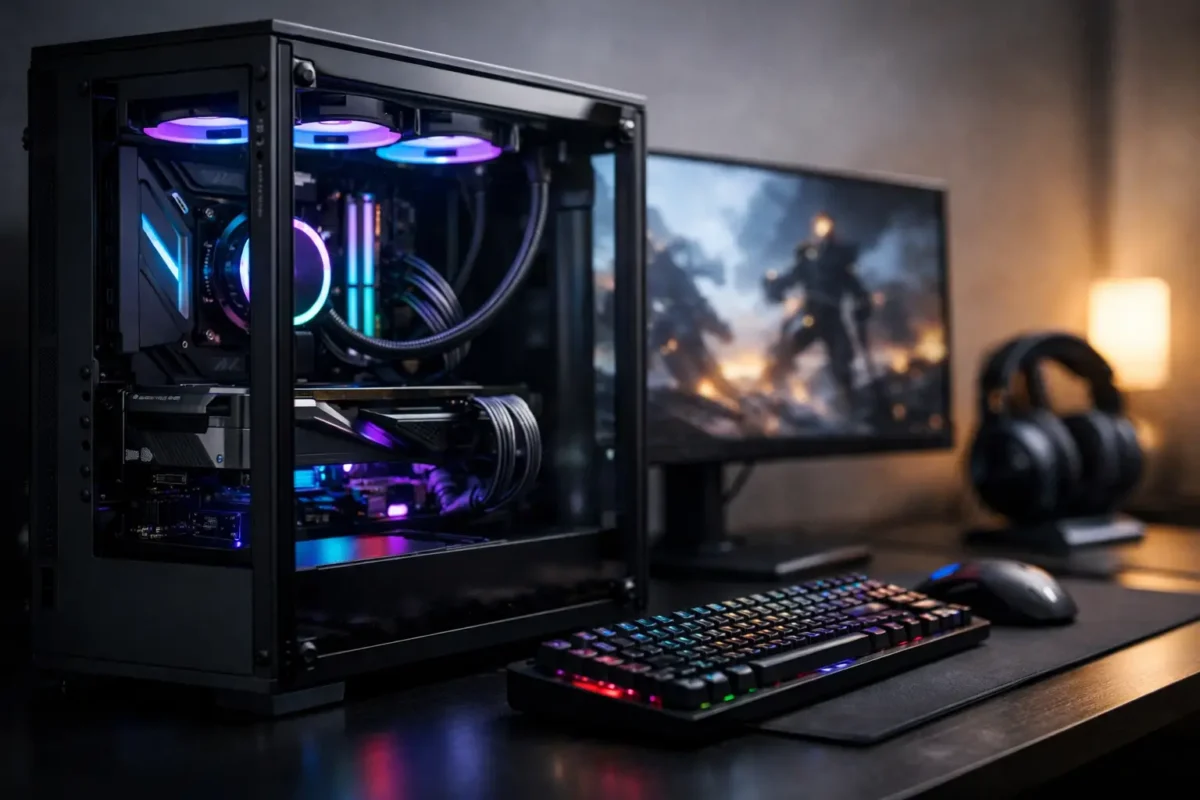
A gaming PC can look expensive on a spec sheet and still disappoint the moment a demanding game loads. Stutters, excessive fan noise, random shutdowns, and weak upgrade options usually come from an unbalanced build, not a lack of RGB. This guide to custom gaming rigs focuses on the decisions that determine whether your system performs reliably for years or becomes a costly troubleshooting project.
A proper custom rig is built around the games you play, the display you own, and the work you expect the machine to handle between matches. That means choosing components that work together electrically, thermally, and financially. The goal is not to buy the most expensive part in every category. The goal is to build a machine with no obvious weak point.
Start With the Workload, Not the Parts List
Before choosing a processor or graphics card, define what the system needs to do. A player targeting 1080p competitive titles has different needs from someone running 4K single-player games, streaming to an audience, editing video, or working with CAD and other demanding software.
Your monitor matters more than many builders realize. If you have a 1080p, 144 Hz display, spending heavily on a graphics card designed for high-refresh 4K gaming may not produce a meaningful benefit. On the other hand, pairing a high-resolution, high-refresh monitor with an entry-level GPU guarantees compromise. Frame rate, image settings, and display resolution must be planned as one system.
Budget also needs an honest boundary. Leave room for the less glamorous pieces: a quality power supply, sufficient storage, capable cooling, case fans, and a legitimate operating system. Cutting corners on those parts to afford a faster graphics card often creates the problems that bring computers into the repair shop later.
The Core of a Custom Gaming Rig: Balanced Hardware
The GPU usually has the greatest impact on gaming performance, especially at higher resolutions. It handles the visual workload, but it cannot work at full strength when the CPU, memory, or power delivery is holding it back. A good build treats the graphics card as the anchor, then selects the supporting hardware around it.
CPU and GPU Pairing
A modern midrange processor can support a powerful graphics card in many games, but results depend on resolution and game type. Competitive games at 1080p can put more pressure on the CPU because the GPU completes frames quickly. Graphically intensive games at 1440p or 4K generally lean harder on the GPU.
Avoid buying an older bargain CPU platform simply because the processor price looks attractive. A low upfront cost can become expensive when it limits memory support, storage options, upgrade paths, or future graphics card performance. A current, well-supported platform gives you a better foundation for repairs and upgrades later.
Memory and Storage
For most modern gaming systems, 32 GB of RAM is a practical target. It gives games, background applications, voice chat, browser tabs, and recording software room to operate without forcing the system to constantly move data to storage. Faster memory can help in some CPU-sensitive games, but capacity and compatibility come first.
Install games on a quality NVMe SSD whenever possible. Fast storage will not turn a weak GPU into a strong one, but it improves load times, reduces waiting during updates, and makes the entire computer feel more responsive. Large game libraries can fill a drive quickly, so consider a second SSD instead of relying on a slow, aging hard drive for active titles.
The Parts People Underestimate
The power supply is not the place for a mystery-brand bargain. It protects every major component and has to deliver stable power under real gaming load. Choose a reputable unit with enough wattage for the current build plus reasonable upgrade headroom. A quality 750 W or 850 W unit is often sensible for higher-performance systems, but the correct rating depends on the actual CPU and GPU combination.
The motherboard should have the features you need, not just the most aggressive-looking heatsinks. Check the number of M.2 slots, USB ports, network options, PCIe expansion, BIOS support, and power delivery quality. A board that fits the budget but lacks needed connectivity can force an unnecessary replacement later.
Cooling Is Performance Protection
Heat is the enemy of stable performance. When temperatures rise beyond what components can manage, the system slows itself down, fans become loud, and long-term component stress increases. Cooling is not an accessory. It is part of the performance plan.
A well-designed air cooler can handle many gaming CPUs effectively and with less complexity than liquid cooling. All-in-one liquid coolers can be excellent for high-heat processors or builds where space and appearance matter, but they add a pump and additional failure points. Neither option is automatically better. The right choice depends on the processor, case airflow, noise expectations, and maintenance preference.
Case airflow matters just as much. A premium cooler inside a sealed or poorly ventilated case cannot perform at its best. Use a case with clear intake and exhaust paths, install enough fans to move air through the chassis, and keep cables out of major airflow zones. More fans are not always better if they are poorly positioned or fighting each other.
Dust is another real performance issue, particularly in homes with pets, carpet, or active workshop environments. Clean filters regularly and inspect fans, heatsinks, and radiators. If the machine becomes louder over time, do not ignore it. Excessive heat can point to dust buildup, a failing fan, dried thermal compound, or a deeper hardware problem.
Build Quality Prevents Expensive Problems
A custom rig should be assembled with the same care used in professional technical work. That includes correct motherboard standoff placement, controlled cable routing, properly seated RAM, secure GPU installation, and appropriate cooler mounting pressure. One loose connection can mimic a failed motherboard, graphics card, or power supply.
Do not force connectors. Modern PC power connections are keyed for a reason, and a connector that does not fit correctly should be checked before pressure is applied. Pay close attention to graphics card power cables. High-performance GPUs can draw significant current, and improperly seated connectors can overheat or cause instability.
After assembly, test before making the build look perfect. Confirm that the system reaches BIOS, recognizes memory and storage, and reports reasonable temperatures. Then install the operating system, drivers, and game launchers before tightening every cable tie and closing every panel. This catches build issues while access is easy.
A Practical Guide to Custom Gaming Rigs and Upgrades
The best custom gaming rigs are designed to be serviced. Use a case with working room, label or document unusual cable runs, and avoid blocking every available expansion slot with cosmetic additions. Keep spare modular power cables with the original power supply. Modular cables are not universally interchangeable, even when the connectors appear similar.
Plan upgrades around the component creating the real limitation. If games run poorly at 4K, a GPU upgrade may provide the biggest gain. If you experience slow boot times or constantly delete games to free space, storage is the clear priority. If multitasking causes hitching while gaming and streaming, additional memory or a stronger CPU may make more sense.
Before replacing hardware, diagnose the actual issue. A game crash can be caused by drivers, overheating, corrupted files, unstable memory, failing storage, weak power delivery, or a bad overclock. Replacing parts without testing is expensive guesswork. Amazing Technology Group approaches difficult computer issues with real diagnostics and component-level experience, because the symptom is not always the failed part.
Overclocking: Useful, but Not Free Performance
Overclocking can improve performance in the right system, but it is not a guaranteed upgrade and it should never come before stability. More voltage produces more heat, and more heat demands better cooling and stronger power delivery. A benchmark that survives for five minutes does not prove that a system is stable through a long gaming session.
Memory tuning and CPU boost settings can offer worthwhile gains, particularly in CPU-bound games. However, every system should be stress-tested after changes, with temperatures and error reports monitored closely. If a machine begins crashing, freezing, or corrupting data after tuning, return to known-stable settings before blaming the hardware.
For many players, the smarter move is optimizing fan curves, updating drivers, enabling the memory profile correctly, and maintaining clean airflow. Reliable performance beats a small benchmark gain that turns into random crashes during a match.
Know When a Problem Needs Real Diagnosis
A custom gaming PC should not randomly power off, display artifacts, lose video output, or require repeated restarts to boot. Those symptoms can involve anything from a loose connection to motherboard-level damage. Continuing to use the system without investigating can turn a repairable issue into a larger failure.
If basic checks do not identify the problem, professional testing is the practical next step. Good diagnosis isolates the fault before parts are purchased, whether the issue is a failing GPU, unstable RAM, damaged connector, power problem, or board-level defect. That approach protects your budget and keeps good hardware out of the replacement pile.
Build for the games you actually play, give the system clean power and adequate cooling, and leave room for the next upgrade. A custom gaming rig earns its value not when it first turns on, but when it is still performing under pressure years later.