

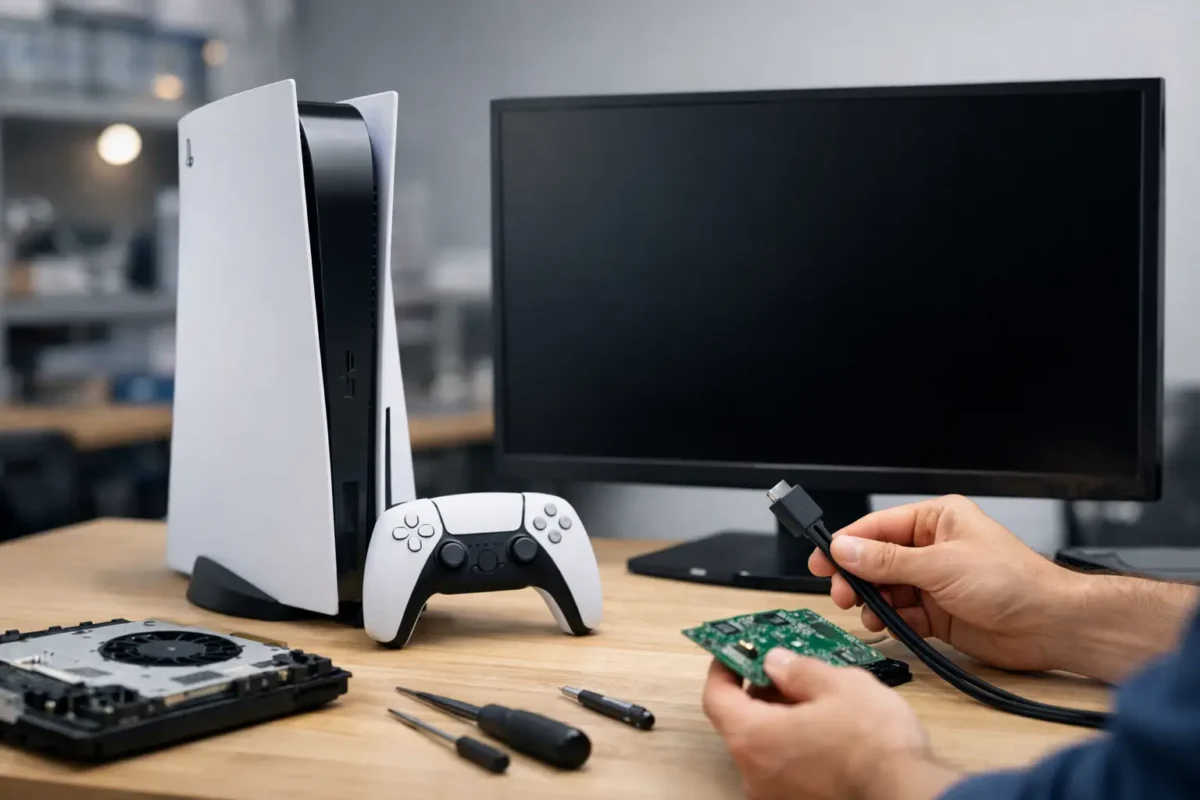
A PS5 no display repair case is rarely solved by guessing. The console may power on, show a white light, accept a controller, and even make menu sounds while the TV stays black. That does not automatically mean the PS5 needs a new HDMI port, and it does not mean the console is beyond repair. It means the video path has to be tested correctly, from the cable and display settings all the way down to the board-level HDMI circuit.
At Amazing Technology Group, this is the kind of failure we take seriously. A no-display PS5 can involve a simple connection issue, a damaged port, or a component-level fault that ordinary part-swapping will not touch. Proper diagnosis separates those problems before money is spent on the wrong repair.
Start by Confirming It Is a PS5 No Display Problem
A black TV screen can come from the console, but it can also come from the cable, input selection, TV settings, receiver, capture device, or handshake between devices. Before opening a console or assuming the motherboard is bad, isolate the basics.
Connect the PS5 directly to a known-working TV or monitor using a known-working high-speed HDMI cable. Avoid AV receivers, HDMI switches, wall plates, capture cards, and adapters during this test. Select the correct HDMI input manually on the display. If another device works on the same cable and input but the PS5 does not, the console becomes the likely source of the problem.
Pay attention to what the PS5 is doing. A white status light generally means it has powered on normally. A blue light that keeps pulsing can point to a different startup issue. If the console turns on, stays white, and responds to a controller but provides no picture, the HDMI output circuit deserves close inspection.
It also helps to test Safe Mode. With the console fully powered off, hold the power button until the second beep, then connect the controller by USB. If Safe Mode appears, the hardware may be functional and the issue may be a resolution, HDCP, or video-setting conflict. If there is still no image on multiple known-good displays, it is time to look deeper.
Common Causes of a PS5 No Display Repair Case
Damaged HDMI port
The HDMI port is the most visible failure point. PS5 ports can be damaged when a cable is pulled sideways, the console falls while connected, or repeated plugging and unplugging bends the internal pins. A port can look mostly normal from the outside while one or more pins are pushed back, bent, cracked, or no longer connected to the board.
Symptoms often include no signal, an intermittent picture when the cable is held at an angle, flickering, colored artifacts, or a display that briefly recognizes the PS5 and then loses it. Replacing the port correctly requires more than heating it until it comes off. The board pads must be preserved, the replacement port must sit flat, and every critical connection needs inspection and testing afterward.
Bad cable, display handshake, or video setting
Not every no-display complaint is a soldering job. HDMI uses a digital handshake between the console and display. A weak cable, incompatible switch, unusual TV setting, or failed resolution negotiation can leave the screen blank even when the console hardware is healthy.
Testing direct-to-display and entering Safe Mode are valuable because they prevent unnecessary board work. In some cases, resetting video output settings resolves the issue. In others, the console works on one display but not another, which points toward compatibility or configuration rather than a physical PS5 fault.
Failed HDMI protection or filter components
The HDMI port connects to more than a cable. Between the port and the video-processing circuitry are small protection and filtering components that handle high-speed signals and help protect the board from electrical damage. A surge, a damaged cable, liquid contamination, or physical stress can compromise these components.
These faults cannot be confirmed by looking at the port alone. A technician needs board-level test equipment, circuit knowledge, and the ability to measure the affected lines without creating additional damage. Replacing a perfectly good port will not fix a failed protection component or broken trace.
HDMI encoder or retimer circuit failure
Depending on the PS5 board revision, the console relies on specialized circuitry to condition and manage the HDMI signal. Damage in this area can create a true no-video condition even when the port is intact and the console otherwise boots normally.
This is where repair quality matters. The work may require microscopic inspection, voltage and continuity testing, controlled hot-air rework, micro-soldering, and replacement of small board-mounted components. A shop that only swaps ports may stop at the obvious part. A real board-level repair process follows the signal path until the actual failure is identified.
Motherboard damage from liquid, impact, or prior repair attempts
Liquid damage and impact damage do not always cause an immediate total failure. Corrosion can slowly weaken a connection. A lifted pad under an HDMI port can leave the console with no signal after a previous repair. Excessive heat, missing components, torn traces, or solder bridges from a rushed repair can also turn a repairable issue into a more complicated case.
A careful inspection can often identify whether the board is still a good repair candidate. The trade-off is that deeper damage takes more diagnostic time and may require more extensive restoration. Honest repair work means explaining that before proceeding, not hiding it behind a flat “HDMI repair” label.
What Not to Do With a Black-Screen PS5
Do not force the HDMI cable into the port. If the connector feels loose, crooked, or unusually tight, forcing it can bend pins or pull the port away from the motherboard. Do not scrape inside the port with metal tools, and do not use glue to hold a cable in place.
Avoid internet fixes that involve heating the motherboard with a heat gun, oven, or torch. The PS5 board contains densely packed components, sensitive chips, and multilayer traces. Random heat can warp the board, dislodge surrounding parts, and destroy the evidence needed for an accurate diagnosis.
Repeatedly power-cycling the console is also not a repair method. One controlled test is useful. Hours of switching cables, inputs, and power states usually provides no new information and can make a loose connection worse. If the port is visibly damaged or the unit has suffered a drop or liquid exposure, stop testing and have it inspected.
What a Proper PS5 Display Repair Process Looks Like
The right repair starts with intake details. A technician should ask whether the console was dropped, whether the cable was pulled, whether the issue began after a storm or power event, and whether the unit has been repaired before. Those details help narrow the likely failure without replacing parts blindly.
Next comes external validation: testing with known-good cables and displays, checking the port under magnification, and confirming the console’s power and boot behavior. If the problem is not resolved at that stage, board-level diagnostics can check connector integrity, signal-line continuity, protection components, and the relevant power rails and HDMI circuitry.
Only after the fault is identified should the repair be quoted and authorized. A damaged port may be a straightforward replacement. A failed HDMI circuit may need component-level work. Both can be repairable, but they are not the same job and should not be priced or treated as though they are.
After repair, the PS5 should be tested for more than a picture appearing once. A complete test verifies stable output, proper connector fit, image quality, and repeated connection behavior. Where practical, it should also confirm normal operation through the settings menus and during real gameplay. A signal that cuts out after five minutes is not a finished repair.
When Repair Makes More Sense Than Replacement
For many owners, repairing a PS5 is the practical call. The console is expensive, games and saves may be tied to the system, and a display fault does not necessarily mean the core hardware is dead. A targeted board repair can preserve the console without the cost and hassle of replacement.
That said, the decision depends on the extent of damage. Severe corrosion, widespread board damage, or a unit with multiple unrelated faults can change the economics. A trustworthy technician will give you the real condition of the console and a repair path based on evidence, not pressure.
If your PS5 powers on but the screen stays black, treat the problem as a diagnostic job first. Use a known-good cable and display, try Safe Mode once, and do not force a damaged connector. The faster the real failure is identified, the better the chance of getting back to gaming with a repair that actually lasts.