

A laptop that will not charge, a desktop that keeps crashing under load, a Mac with no display, a Linux workstation that suddenly stops booting – these are not all the same problem, and they should not be treated that way. Good computer repair starts with real diagnosis. If a shop jumps straight to replacing parts without proving the failure, you can end up paying more, waiting longer, and still dealing with the same issue.
That is where the gap usually shows. A lot of repair work in this industry is really part swapping. If the battery looks suspicious, replace it. If the system will not post, try RAM. If that does not work, quote a motherboard. Sometimes that works. A lot of times it does not. When the machine matters, whether it is your work laptop, gaming rig, family desktop, or office system, you need a repair process built around evidence.
What computer repair should actually include
Real computer repair is not just opening a device and trying the obvious part first. It is a step-by-step process to identify the fault, confirm the cause, and choose the most cost-effective fix. That can mean replacing a damaged DC jack, tracing a short on the board, repairing a charging circuit, recovering data before further testing, or addressing thermal damage that has been building for months.
The key point is simple: the symptom is not the diagnosis. A machine that will not turn on could have a bad power supply, failed charging IC, damaged port, shorted rail, corrupted firmware, bad RAM, or liquid damage that has spread beyond the original spill area. The right repair depends on knowing which one it is.
For customers, this matters because accurate diagnosis saves money. It also protects data, avoids unnecessary replacement, and gives older but valuable systems a better chance of staying in service.
The difference between part swapping and true computer repair
There is nothing wrong with replacing a failed part when the failed part is confirmed. The problem starts when replacement becomes a guess. Shops that only work at the module level often hit a wall fast. If the SSD is good, the RAM tests fine, and a new charger changes nothing, they may tell you the board is dead and move on.
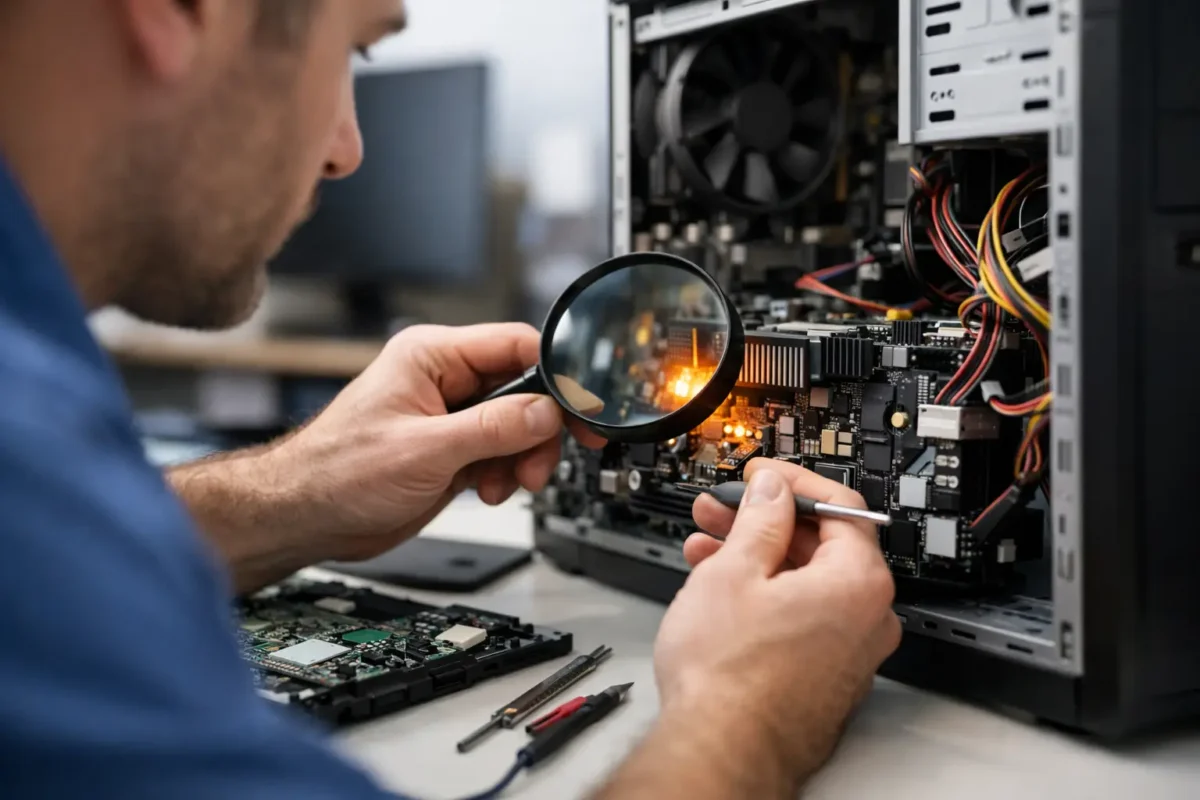
That is not always the end of the story. Board-level repair changes the equation. Instead of treating the motherboard as a sealed mystery, a qualified technician can test power rails, inspect damaged components under magnification, measure current draw, evaluate charging behavior, and isolate the failed section. In many cases, the difference between a scrap device and a working one is a single failed component or a damaged circuit area.
This is especially important for systems that are expensive to replace, hard to configure again, or no longer available in the same form. Custom-built desktops, business laptops with specialized software, creator workstations, and gaming systems all fall into that category.
Common failures that need more than a basic fix
Some problems look simple from the outside but are not simple at all once the machine is opened and tested. Charging issues are a good example. A customer may think the charger is bad because the battery is not increasing. In reality, the cause could be the port, the battery, the charging controller, a damaged trace, or liquid corrosion around the input section.
Overheating is another one. A loud fan and high temperatures can come from dried thermal compound, clogged heatsinks, failed fan control, sensor problems, or VRM stress on the board. If someone only cleans the fan without checking the bigger picture, the shutdowns may come right back.
Intermittent crashes are also easy to misread. They could be software, but they could also point to unstable power delivery, failing storage, memory errors, GPU issues, or board damage that shows up only under load. That is why stress testing and measured diagnostics matter. If the problem appears only during gaming, rendering, or large file transfers, the repair approach has to reflect that.
Why board-level repair matters
Board-level work is where real skill separates one shop from another. It is slower than guessing, and it requires better tools and better technicians. But for the customer, it often means a repair that would otherwise be written off.
Component-level diagnosis can identify failed capacitors, damaged MOSFETs, shorted circuits, cracked ports, connector issues, and other faults that are invisible to basic troubleshooting. Micro-soldering and PCB repair are not marketing terms when they are done correctly. They are practical ways to restore devices without replacing full assemblies at premium cost.
There are trade-offs. Not every board is economically repairable. Severe liquid damage, layered failures, prior bad repair attempts, and catastrophic chip failure can make a job too risky or too expensive. A trustworthy shop should say that clearly. Honest repair work is not about pretending every machine is fixable. It is about knowing when a difficult repair makes sense and when replacement is the smarter path.
What a solid repair process looks like
Customers should not have to guess what happens after drop-off. A professional computer repair process should be clear from the start.
First comes intake and symptom review. That means documenting what the machine is doing, what happened before the failure, whether there was a spill or impact, and whether the data is critical. Those details matter more than people think.
Next comes diagnosis. This is where proper testing begins, not just visual inspection. The goal is to reproduce the issue, rule out obvious causes, and narrow the fault to the component, circuit, or subsystem actually responsible.
Then comes authorization. Once the fault is identified, the customer should get a clear explanation of the problem, the recommended fix, and the cost. If there are options, such as a board repair versus a full assembly replacement, those options should be explained in plain language.
After approval, the repair is performed in-house when the shop has the capability to do it right. That matters because sending complex work elsewhere adds delay and removes accountability. Final testing comes last, and it should match the original problem. A machine repaired for random shutdowns should be load-tested. A charging repair should be checked for stable power behavior. A thermal repair should be verified under sustained use.
Computer repair for home users, gamers, and businesses
Different customers bring different priorities to the bench. Home users often care most about getting a dependable computer back without losing family photos, school files, or tax documents. Gamers care about performance, stability, and whether a high-end system can handle sustained load without crashing or throttling. Business clients usually care about uptime, data access, and getting a practical answer fast.
The repair process should adapt to those priorities. A gaming PC with power instability may need deeper PSU, GPU, motherboard, and thermal analysis than an office desktop used for email. A business laptop may need data protection handled before aggressive testing. A creator workstation may justify more advanced board work because replacement cost and setup time are so high.
That range is why broad technical experience matters. A shop that understands consumer systems, custom builds, operating environments, and board-level electronics is better equipped to solve unusual failures without forcing every machine into the same script.
When repair is smarter than replacement
A lot of customers come in assuming they need a new computer because that is what they have been told elsewhere. Sometimes they do. But often the math favors repair.
If the device is otherwise a good fit, if the storage contains important data, if the failure is limited to one subsystem, or if replacing the machine means rebuilding software and workflow from scratch, repair can be the better move. This is especially true when the issue is isolated and the rest of the hardware still has years of useful life left.
For customers in Riverside County and beyond, that is one reason companies like Amazing Technology Group Inc. put so much emphasis on in-house diagnostics and advanced repair capability. The goal is not to sell the biggest ticket. The goal is to solve the actual problem with the right level of work.
If you are choosing a computer repair provider, ask how they diagnose faults, whether they handle board-level issues, and how they confirm the repair before return. Straight answers to those questions tell you a lot. When a device matters, you want a team that does not guess, does not cut corners, and does not stop at the first dead end. You want the real problem fixed.