

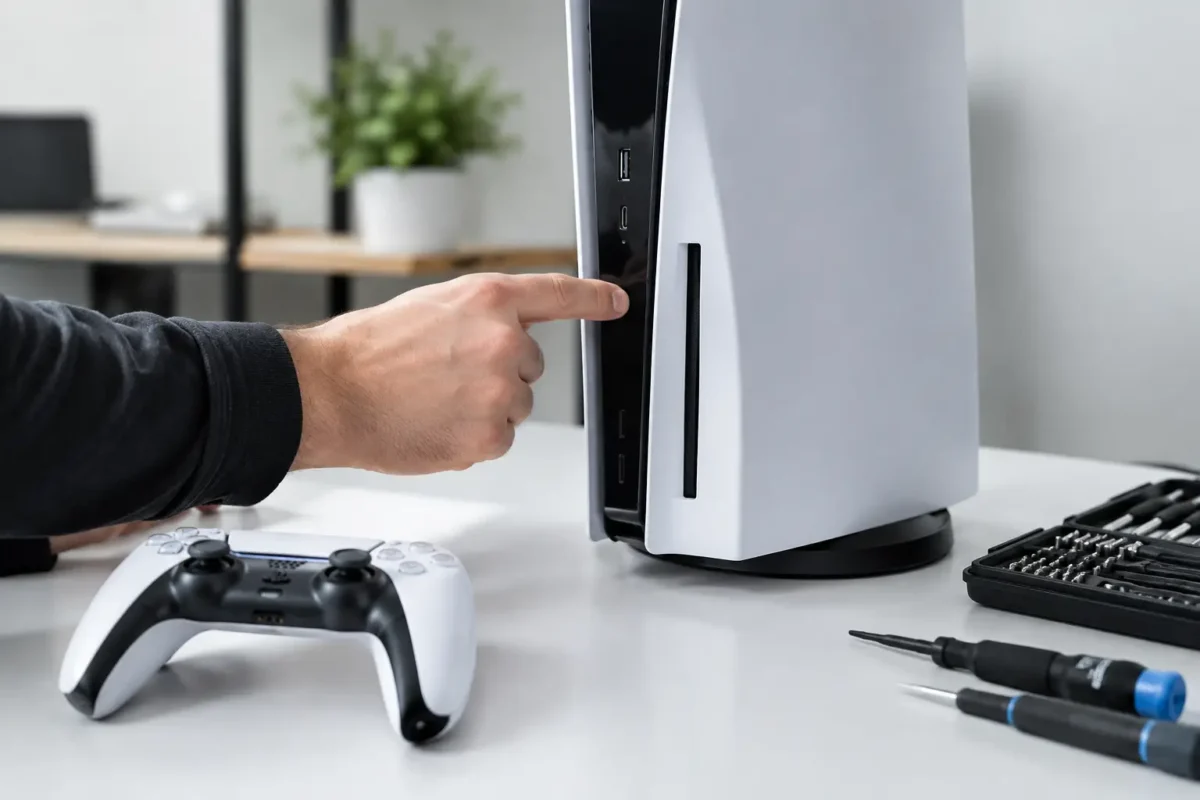
A PS5 that will not power on is not automatically a dead power supply. The console may show no light at all, beep once and shut back down, power on briefly with no video, or fail only after a surge or move. Those symptoms can look similar from the outside, but they point to very different failures. Proper PS5 power repair starts by separating a simple external issue from a fault inside the power system or motherboard.
That distinction matters. Replacing parts based on a guess can add cost, create new damage, and leave the original fault untouched. A real repair begins with testing, measurement, and a clear explanation of what failed and why.
Start With the Failures That Are Not Inside the Console
Before assuming the PS5 needs internal work, rule out the basics. Test the console directly from a known-good wall outlet, not a questionable power strip or extension cord. Inspect the power cable for bent pins, cuts, loose ends, or heat damage, and try a compatible known-good cable when available.
Also pay close attention to the exact behavior. If the console lights up but the TV says there is no signal, the problem may involve HDMI output rather than power. If the PS5 turns on, immediately turns off, and does this consistently, it may be protecting itself from a shorted component or an unstable voltage rail. If there is no beep, no light, and no response after basic checks, the power path becomes a stronger suspect.
A hard reset can occasionally help with a system-state issue. Disconnect the PS5 from power, wait several minutes, reconnect it directly to the wall, and attempt to start it with the physical power button. Do not keep cycling the console dozens of times if it repeatedly starts and dies. Repeated attempts will not repair an electrical fault and can make a heat- or short-related problem worse.
What Can Cause a PS5 No-Power Problem?
The PS5 power system is more than the power supply unit. Incoming AC power must be converted, regulated, and distributed through multiple circuits before the processor, storage, cooling system, USB ports, and other components can operate. A failure anywhere along that chain can produce a no-power symptom.
Power supply failure is one possibility. Internal power supply components can fail after electrical surges, aging, overheating, contamination, or liquid exposure. However, a replacement power supply is not always the answer. If a short exists on the motherboard, a good power supply may shut itself down to prevent further damage. Installing another supply without finding the underlying fault can lead to the same result.
Motherboard power faults are another common category. These may include failed capacitors, damaged power-management components, corroded pads and traces from liquid, shorted power rails, or issues around voltage regulation. These faults require component-level diagnostics. A technician needs to identify which rail is missing, shorted, or behaving abnormally before replacing anything.
Surge damage can be especially deceptive. A console may appear fine after an outage, then fail days later as a weakened component breaks down. Damage can occur at the input stage, the power supply, USB circuitry, HDMI circuitry, or board-level protection components. The timing of the failure is useful information, but it is not enough to identify the failed part on its own.
Heat also plays a role. Dust buildup, blocked ventilation, a failed fan, dried thermal material, and long sessions in a tight entertainment center can all raise internal temperatures. Heat does not always cause an instant shutdown. It can gradually stress solder joints, regulators, and other parts until the console begins acting intermittently or stops powering on entirely.
Why Board-Level Diagnosis Changes the Repair
Many repair shops handle a no-power PS5 by swapping the power supply and hoping the console comes back. That approach is fast when the supply is unquestionably bad, but it does not address more complex failures. It can also turn an affordable board repair into unnecessary parts charges.
Board-level diagnosis means tracing the fault rather than treating the symptom. The process can include checking incoming voltage, testing for shorts on primary and secondary rails, inspecting the board for liquid residue or burned components, measuring resistance values, and using thermal methods to locate components that are drawing abnormal current. Depending on the fault, micro-soldering may be necessary to replace damaged parts or restore compromised board connections.
This work is not a DIY cable swap. Modern console boards are dense, layered, and sensitive to heat. A misplaced probe, incorrect replacement component, or uncontrolled heat application can lift pads, damage nearby components, or turn a repairable board into a much harder job. If the PS5 has a suspected internal power issue, avoid opening it unless you have the correct tools and board-repair experience.
The Repair Process Should Be Clear
A professional PS5 power repair should not feel like handing over a console and waiting for a vague answer. The process starts with an intake discussion about the failure. Was there a storm? Did the console fall? Was liquid nearby? Did it overheat, shut off during a game, or stop working after a USB device was connected? Small details can narrow the diagnostic path.
The console should then be inspected and tested in-house. Technicians verify the external power path, evaluate the power supply and motherboard behavior, and inspect for physical damage, corrosion, prior repair attempts, and signs of overheating. Once the fault is confirmed, the customer should receive a repair recommendation before major work proceeds.
That recommendation may be straightforward, such as a failed power supply, or it may involve board-level work. The right path depends on the console’s condition, parts availability, the severity of the damage, and the cost compared with replacement. A technician should be honest when a repair is not financially sensible, particularly after severe liquid damage or extensive board destruction.
At Amazing Technology Group Inc., difficult console failures are diagnosed and repaired in-house whenever possible. That matters because the team can test the actual board, perform micro-soldering when needed, and focus on the failed circuit rather than relying on part-swapping alone.
When to Stop Using the PS5 Immediately
Some symptoms call for immediate shutdown and professional inspection. Disconnect the console from power if you smell burning, hear popping or crackling, see smoke, notice melted plastic, find liquid near the ports or vents, or see repeated power cycling. Do not attempt to dry a liquid-damaged console by powering it on later that day. Moisture and residue can continue causing corrosion and shorts long after the visible spill is gone.
A console that trips a breaker, makes unusual electrical noises, or becomes extremely hot near the power input also should not be tested repeatedly. These are not normal software problems. The safest move is to unplug it, document what happened, and have the unit evaluated.
Can You Prevent Another Power Failure?
No surge protector can guarantee protection from every electrical event, but quality surge protection is a smart first line of defense. Plug the PS5 into a properly grounded outlet, avoid overloaded power strips, and disconnect sensitive electronics during severe electrical work or known power instability when practical.
Keep the console in open airflow with clearance around the vents. Do not place it inside a sealed cabinet, on thick carpet, or directly against a heat source. Clean dust from the surrounding entertainment area regularly, and address unusual fan noise or overheating before it becomes a shutdown issue.
Be careful with USB accessories and charging cables as well. Damaged ports, low-quality accessories, and liquid exposure around front or rear connectors can create electrical faults that reach deeper into the console. The cheapest cable is not always the cheapest outcome.
A no-power PS5 is frustrating, especially when game saves, subscriptions, and a major hardware investment are tied to one machine. But no power does not automatically mean no hope. The best next step is a measured diagnosis that identifies the real fault, protects the console from additional damage, and gives you a repair decision based on facts rather than guesses.