

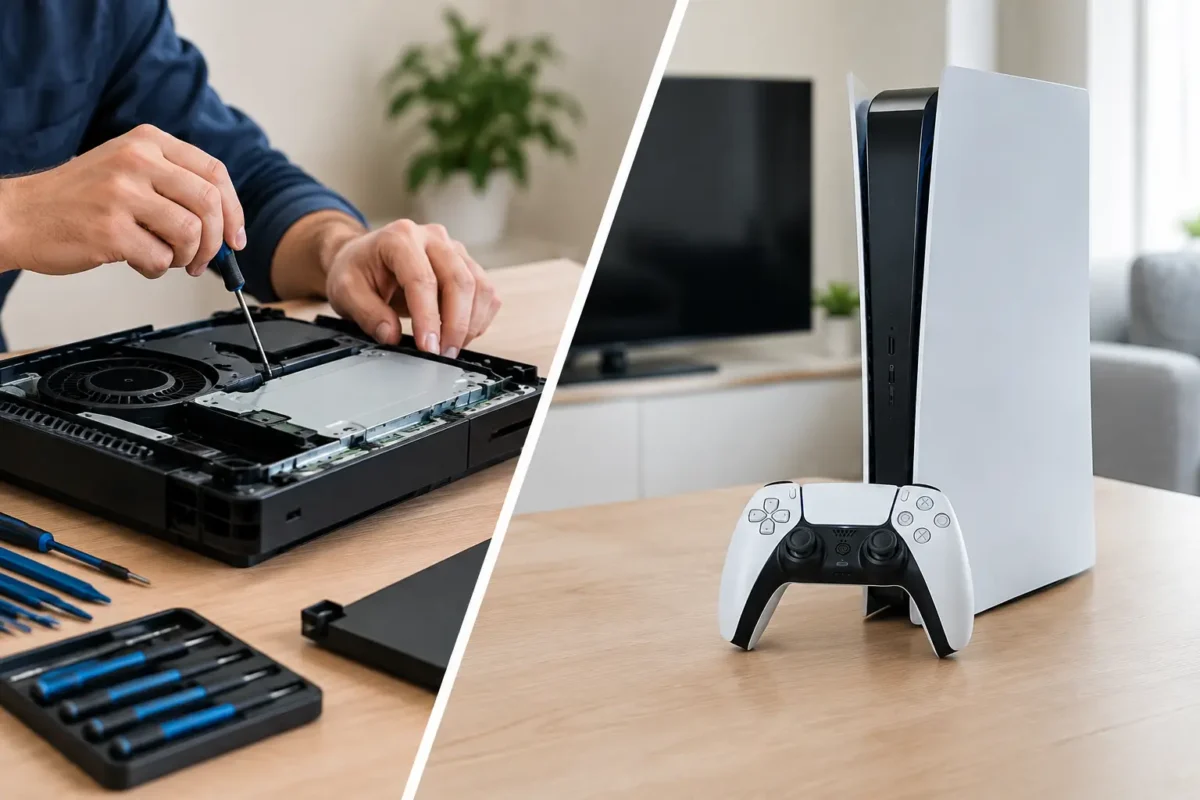
A PS5 that shuts down mid-game, an Xbox that will not display video, or a console that refuses to read discs creates the same immediate question: should you repair it or replace it? Console repair vs buying new is not just a price comparison. It is a decision about the actual failure, the condition of the hardware, the cost of a verified repair, and what you would give up by starting over with another system.
The wrong move is assuming every failed console is finished. Many problems that look terminal from the outside are repairable at the board level by a technician with the right diagnostic equipment, soldering skill, and replacement components. On the other hand, there are situations where replacement is the more practical call. The key is getting a real diagnosis before spending money either way.
Start With the Failure, Not the Frustration
A console can fail for dozens of reasons. Some are simple mechanical problems, such as a worn HDMI port, damaged USB connector, noisy fan, failed disc drive, or worn controller stick. Others are deeper issues involving power circuits, storage, overheating damage, liquid exposure, or a fault on the motherboard.
These failures do not carry the same repair risk or cost. A loose HDMI connection may point to a damaged port that can be replaced. No video can also be caused by a failed HDMI encoder, filter, fuse, or power rail on the board. Replacing a console before identifying the cause may mean throwing away a system that could have been restored for far less.
That is why a proper repair process begins with inspection and testing. A skilled technician checks the symptoms, verifies the failure, isolates the affected circuit or component, and explains the repair path before work moves forward. Real diagnostics beat guessing, especially on modern PS4, PS5, and Xbox hardware where one symptom can have several possible causes.
When Console Repair Is the Better Investment
Repair usually makes sense when the console is current-generation, otherwise in good shape, and affected by a specific fixable fault. A newer system still has years of useful life, and replacing it can involve a major upfront expense, sales tax, accessories, game transfers, account setup, and the uncertainty of buying used hardware.
Board-level repair is especially valuable when the alternative is a full motherboard replacement. Many shops stop at part swapping or decline difficult console failures altogether. Component-level diagnosis can identify whether the issue is limited to a port, chip, connector, capacitor, power circuit, or trace. Repairing the failed area, when practical, preserves the original console and can avoid the cost of replacing the entire unit.
Repair can also protect hardware that is hard to replace. Special-edition consoles, discontinued models, upgraded storage configurations, and systems with sentimental value are not always easy to find again in comparable condition. If the console is clean, maintained, and has a repairable fault, keeping it in service is often the better value.
There is also the convenience factor. A repaired console retains its familiar setup and may avoid the hassle of finding a replacement during a shortage or paying inflated resale prices. Your games and account data may be recoverable or transferable, but nobody wants to make that process harder than it needs to be.
Common repairs that are often worth evaluating
HDMI port damage, overheating issues, fan failures, disc-reading problems, power faults, damaged charging ports, controller drift, and many no-power or no-video conditions are all worth having diagnosed. That does not mean every unit can or should be repaired. It means the symptom alone is not enough to make that call.
Liquid damage deserves quick attention. Corrosion continues to spread when moisture and contaminants remain on a board. Turning the console on repeatedly can increase the damage. A fast professional inspection gives the device its best chance, particularly when the system contains data you want to preserve.
When Buying New Makes More Sense
Replacement is sometimes the right answer. If a console has extensive corrosion, severe physical damage, multiple prior failed repairs, or a motherboard problem that cannot be economically restored, putting more money into it may not be responsible. The goal should be a reliable outcome, not a repair invoice at any cost.
Buying new can also be sensible when a system is near the end of its useful life and you already planned to upgrade. If the repair cost approaches a meaningful portion of a new console’s price, the warranty, improved performance, and longer expected support window of a new unit may outweigh the benefit of fixing old hardware.
Be careful with the phrase “buying new,” though. A replacement console is not always truly new. Used and refurbished units may come with unknown repair history, worn ports, heat stress, previous liquid exposure, or weak controllers. A low purchase price can look good until the replacement develops the same type of issue a few months later.
Before replacing your console, compare like for like. Consider storage capacity, disc versus digital model, included controller condition, warranty coverage, and the actual total cost to get back to where you were. A repair quote may look different once you include all of those replacement costs.
Console Repair vs Buying New: Compare the Full Cost
The best comparison is not repair price versus store price. It is repair price versus the total cost of owning a replacement system in the condition and configuration you need.
Start with the diagnosed repair estimate. Then look at the console’s age, its cosmetic and functional condition, the expected reliability after repair, and whether the work addresses the root cause. A repair that replaces a damaged HDMI port and confirms stable video output is different from a quick workaround that does not identify why the port failed.
Next, price the replacement realistically. Include taxes, extra storage if needed, a controller if one is not included, and any cost associated with moving or recovering saved data. If you are comparing against a used console, account for the lack of history. A system that has been professionally repaired after verified diagnostics can be a more known quantity than a bargain unit from a marketplace listing.
The age of the console matters, but it should not be the only factor. A well-maintained older system with one localized problem may have plenty of service life left. A newer console that has suffered repeated overheating, heavy corrosion, or major board damage may be a poorer candidate. The condition and failure tell the real story.
Why Repair Quality Changes the Decision
Not all repairs are equal. The cheapest quote is not automatically the best value if it skips diagnosis, uses poor-quality parts, or treats a board-level issue as a guess-and-check job. Modern consoles are compact, heat-dense devices. Work on ports, power circuits, storage components, and motherboard traces requires controlled heat, proper tools, and experience reading what the board is actually doing.
A quality repair shop should be clear about the process. You should know what symptom was confirmed, what failure was found, what repair is recommended, and what the expected cost is before authorizing work. If the diagnosis changes after deeper testing, you should be told why.
At Amazing Technology Group, difficult electronics work stays in-house. That matters when a console needs more than a basic accessory swap. Advanced diagnostics, micro-soldering, PCB repair, and board-level troubleshooting give customers a practical option when conventional repair shops say replacement is the only answer.
Protect Your Data and Your Next Decision
Whether you repair or replace, protect your account and saved data when possible. If the console still powers on, back up saves and verify cloud synchronization before the issue gets worse. Do not factory-reset a malfunctioning system just because it is acting strangely. A reset can erase evidence that helps diagnose the problem and may remove data you later need.
Avoid repeated power cycling after a no-power event, liquid exposure, burning smell, or sudden shutdown. Continuing to force a damaged console to start can turn a limited fault into a larger one. Disconnect it, document what happened, and have it checked.
The best choice is the one backed by facts. Get the failure diagnosed, compare the complete replacement cost, and put your money toward the option that gives you dependable gaming again. A good repair is not about keeping old hardware alive at all costs. It is about making the smart call with clear information and skilled hands behind the work.