Computer Repair - Game Console Repair - Electronics Repair - Micro Soldering | !!! Now Open from 8am to 10pm Mon - Thurs =) !!!

Categories
Uncategorized

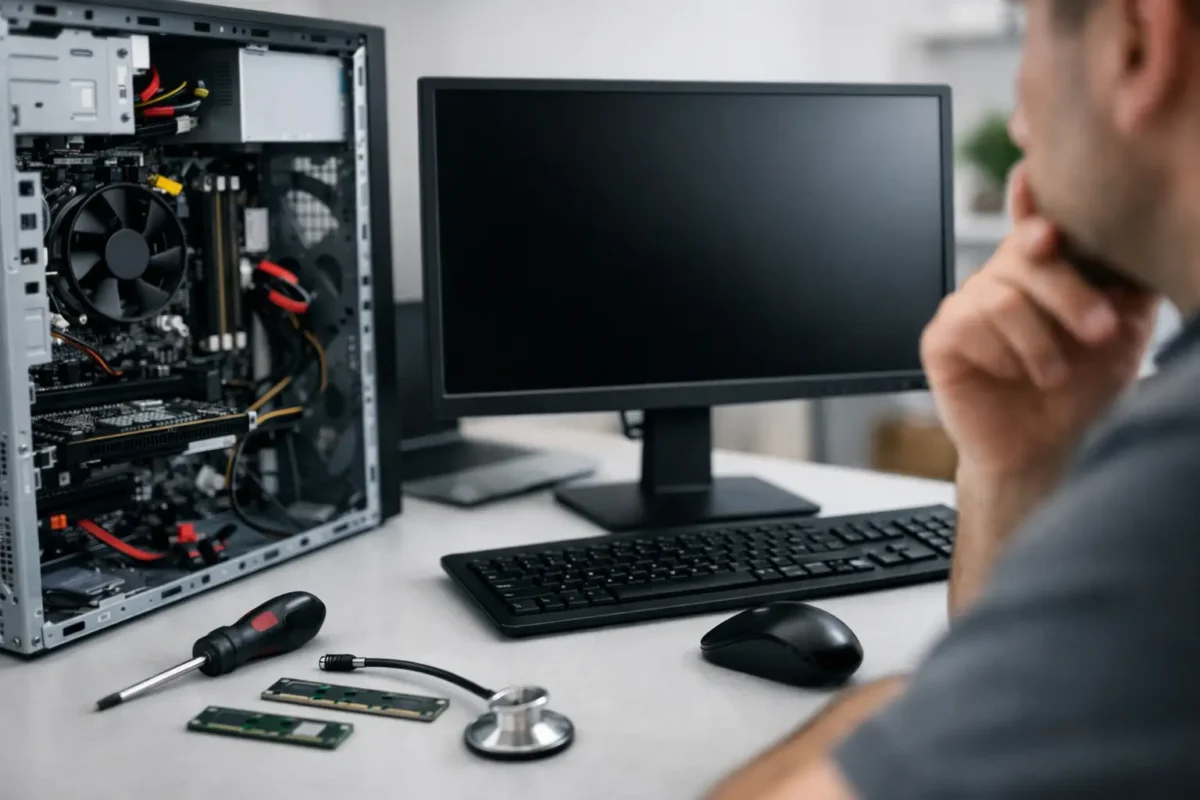
Why Won’t My Desktop Boot? Start Here

A desktop that was working yesterday and does nothing today usually fails in one of a few predictable ways. If you are asking, “why wont my desktop boot,” the real answer depends on what the machine is doing right now – no lights, no fans, fans but no display, power cycling, beeping, or freezing at the logo screen. Those details matter because they point to very different failures.

The biggest mistake people make is treating every boot problem like a bad hard drive or a dead power supply. Sometimes it is that simple. Sometimes it is memory training, a corrupted BIOS, a short on the motherboard, GPU failure, CPU power issues, or a storage device that is stopping POST. Good troubleshooting starts by narrowing the symptom before you start buying parts.

Why won’t my desktop boot? First identify the failure type

“Won’t boot” gets used for several different problems, and each one has its own path.

If the desktop shows no signs of life at all, you are dealing with a power delivery issue, a failed power button circuit, a short, or a dead board. If fans spin and lights come on but there is no display, the system may be failing POST before video output. If it reaches the motherboard logo and hangs, the issue is often storage, BIOS settings, or operating system corruption. If it turns on and off repeatedly, that usually points to unstable power, bad RAM, CPU or board faults, or thermal protection.

That distinction saves time. It also prevents the common repair-shop shortcut of swapping random parts until something changes.

Start with the simple checks before you tear it apart

Make sure the outlet works and the power strip is not the problem. It sounds basic, but bad surge protectors and loose power cables cause more service calls than most people expect. Confirm the power supply switch on the back is in the on position and the voltage selector, if your unit has one, has not been moved.

Then look at the monitor side of the problem. A desktop may be booting normally while the display cable is loose, connected to the wrong port, or plugged into motherboard video when the system actually uses a dedicated graphics card. If the keyboard lights respond and you can hear Windows startup sounds, your issue may be video output rather than boot failure.

After that, disconnect non-essential peripherals. USB devices, external drives, hubs, and even some faulty accessories can hold up startup or create confusing symptoms. Strip the system back to the tower, monitor, keyboard, and power cable.

No power at all usually means start with power delivery

When there are no fans, no LEDs, and no response from the power button, the power supply is the first suspect, but not the only one.

A failed PSU can stop everything cold. So can a shorted motherboard, damaged front panel power switch, bad 24-pin or CPU power connection, or liquid damage that created a board fault. On custom gaming systems, we also see loose modular PSU cables and partially seated motherboard power connectors more often than people expect, especially after transport or upgrades.

If you are comfortable opening the case, reseat the 24-pin motherboard cable and the 4-pin or 8-pin CPU power cable. Make sure the front panel power button leads are connected correctly. If your motherboard has standby LEDs and those are off, that is another clue that power is not reaching the board properly.

The trade-off here is simple: replacing a power supply is easy compared to board-level diagnosis, but guessing wrong wastes money. A dead-short motherboard can make a good PSU appear bad. That is why proper testing matters.

Fans spin but nothing on screen points to POST failure

This is one of the most common situations behind the question, “why wont my desktop boot.” The machine powers on, fans spin, RGB lights up, but there is no picture and no normal startup.

In many cases, RAM is the problem. One poorly seated stick or one failing module can stop POST completely. Reseat the memory and test one stick at a time in the correct slot recommended by the motherboard manual. If you recently enabled XMP or changed RAM settings, clear CMOS and try again with default BIOS values.

Graphics hardware is another major cause. If you have a dedicated GPU, reseat it and confirm its PCIe power cables are connected. If your CPU and motherboard support onboard video, remove the graphics card temporarily and test from the motherboard display output. That single step can tell you whether the system is failing because of the card or because the board is not getting through POST at all.

Listen for beep codes or check motherboard debug LEDs if your system has them. CPU, DRAM, VGA, and BOOT indicators are there for a reason. They do not replace full diagnostics, but they can narrow the problem fast.

Boot looping and random shutdowns usually mean instability

A system that powers on for a few seconds, shuts off, and tries again is often struggling with a low-level hardware issue. This can happen after a CPU upgrade, cooler replacement, BIOS update, or even a routine cleaning.

Start by checking the CPU cooler installation. If it is too tight, uneven, or not making proper contact, some systems will shut down quickly for thermal protection. If the CPU fan is not plugged into the proper header, some boards will also refuse to complete startup. On the other side, too much pressure or a bent motherboard can create intermittent contact problems around the socket.

This is also where motherboard faults show up. Damaged VRM components, failing capacitors, shorted USB lines, and BIOS corruption can all create looping behavior. These are the cases that get misdiagnosed as “bad motherboard, replace it” when the actual fault may be repairable at the board level.

If it reaches BIOS or the logo screen, storage becomes more likely

Once a desktop powers on and displays the motherboard logo or enters BIOS, the core power and POST sequence may be mostly working. At that point, a failed SSD or hard drive, corrupted bootloader, broken Windows update, or wrong boot order becomes more likely.

Check whether the drive is detected in BIOS. If it is missing, reseat the SATA or NVMe drive and inspect power and data connections. If the drive appears but the system still will not load the operating system, the issue may be logical corruption rather than complete hardware failure.

That matters because the repair path changes. A bad Windows install may only need software recovery. A failing drive may need data recovery before any reinstall. If the data matters, do not keep restarting the machine over and over. Repeated attempts can make a failing drive worse.

Recent changes often explain sudden boot failure

A desktop that stops booting right after an upgrade is giving you a strong clue. New RAM, a new GPU, a BIOS flash, an overclock, or a storage migration can all create startup problems.

Return the machine to the last known working configuration. Remove the new part, clear CMOS, and test with stock settings. Overclocked systems are especially tricky because an unstable overclock may run benchmarks one day and fail POST the next. That does not always mean the hardware is bad. Sometimes the settings just crossed the line from aggressive to unreliable.

This is where experience matters. A board that “looks dead” can come back with proper BIOS recovery, power rail testing, or targeted component repair. Amazing Technology Group sees these edge-case failures regularly because not every no-boot system needs full replacement.

When DIY stops making sense

If basic checks do not isolate the fault, the next step is not random parts swapping. It is controlled diagnosis.

That means testing PSU output properly, checking for motherboard shorts, isolating RAM and GPU variables, reading POST indicators, verifying CPU power delivery, and examining the board for failed components or damage. On higher-end desktops and custom gaming rigs, there is real value in accurate diagnosis because replacement costs add up fast.

There is also a data question. If the machine will not boot and it contains business files, project work, family photos, or game captures you care about, avoid unnecessary experiments. A boot problem can be separate from a data problem, but careless troubleshooting can turn one issue into two.

A practical way to think about the problem

Ask three questions. Does it have power? Does it pass POST? Does it find and load the operating system?

If it has no power, focus on PSU, board power, shorts, and front panel issues. If it has power but no display or no POST, focus on RAM, GPU, CPU, BIOS, and motherboard faults. If it passes POST but will not load Windows or Linux, focus on storage, boot configuration, and OS corruption.

That framework keeps the problem manageable. It also helps you explain the symptoms clearly if you hand the system off for repair.

A desktop that will not boot is frustrating, but it is usually diagnosable when the symptoms are read correctly. Start with what the machine is actually doing, not what you assume failed, and you will make better decisions about what to test, what to protect, and when to bring in a technician who does real diagnostics instead of guesswork.
Categories
Uncategorized

Advanced Diagnostics for Laptop Motherboards

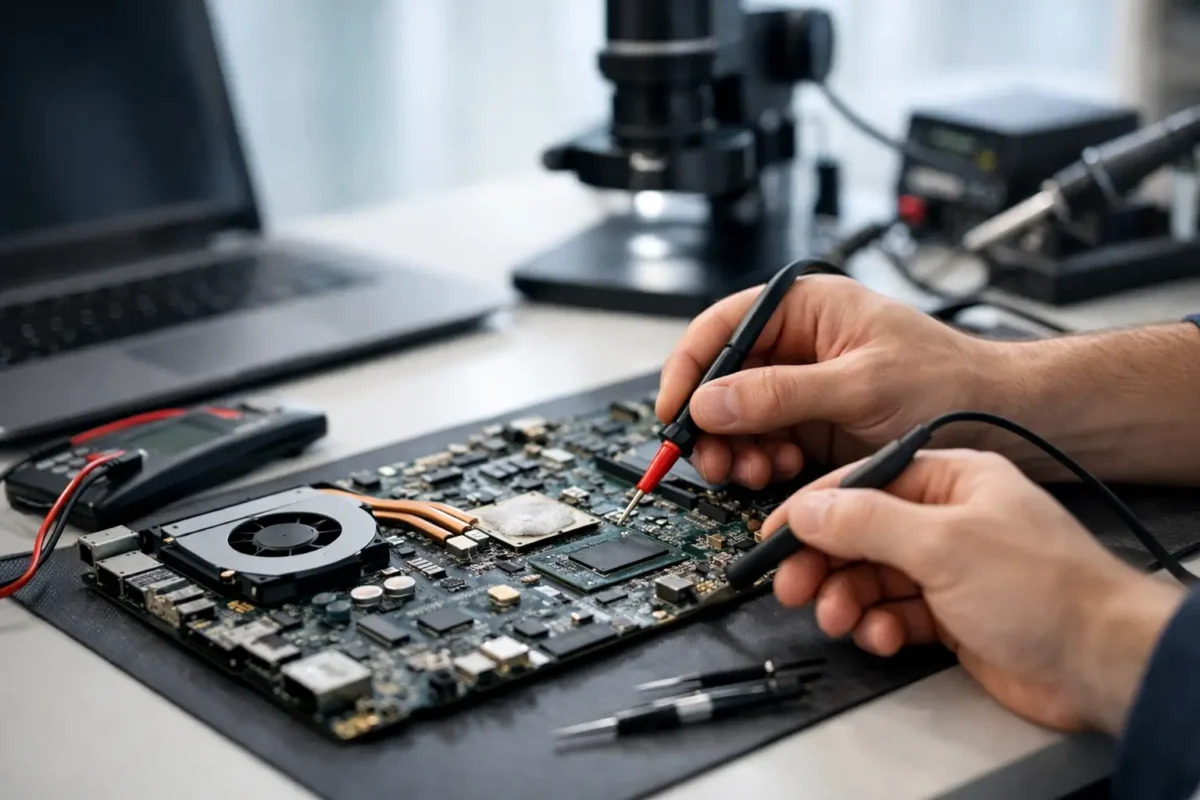
A laptop comes in stone dead, no charging light, no fan spin, no display. Another shop already tried a battery, a charger, and even a screen. Nothing changed. That is exactly where advanced diagnostics for laptop motherboards matters. When a machine has a board-level fault, guessing gets expensive fast. Real repair starts when someone stops swapping parts and starts measuring what the board is actually doing.

What advanced diagnostics for laptop motherboards really means

At the customer level, motherboard diagnostics can sound vague. In practice, it means tracing the fault through the board’s power, charging, communication, and startup systems until the actual failed area is identified. Not the symptom. Not the most common replacement part. The failed circuit.

A laptop motherboard is not one simple part. It is a network of power rails, embedded controllers, BIOS storage, charging circuits, CPU and GPU power stages, memory lines, data buses, clock signals, and protection components. If one section fails, the entire system can act dead or behave in strange ways. That is why a laptop can show the same symptom for very different reasons.

For example, “won’t turn on” might be caused by a shorted main power rail, a failed charging IC, corrupt firmware, a bad power button circuit, damaged MOSFETs, liquid damage around the embedded controller, or a CPU core voltage issue. A parts-only approach treats all of those as the same problem. They are not.

Why basic troubleshooting often misses the real fault

Basic troubleshooting has its place. Checking the adapter, battery, RAM, storage, and display can rule out common failures. But once those obvious items are cleared, many shops hit a wall because they are not set up for component-level work.

That is where advanced diagnostics separates a real board repair operation from a replacement shop. The process usually involves board inspection under magnification, thermal analysis, voltage injection on shorted rails, resistance-to-ground testing, schematic and boardview reference, BIOS and EC firmware checks, and live power sequence testing. These are not flashy steps. They are disciplined ones.

The value for the customer is simple. You are no longer paying for a chain of guesses. You are paying for someone to isolate the fault before a repair is approved.

The failures that board-level diagnostics is built to find

Laptop motherboards fail in patterns, but no two cases are exactly alike. Some failures are dramatic, like liquid exposure or physical impact. Others build slowly through heat stress, worn solder joints, power surges, or component fatigue.

No-power faults are one of the most common cases. A board may be shorted on the main input, blocked at the charging stage, or missing one of the always-on rails needed to wake the rest of the system. In those cases, the board has to be read like a map. You check where voltage enters, where it stops, and what component is responsible.

Intermittent faults are harder. Maybe the laptop starts cold but shuts off warm. Maybe it charges only when the cable is held a certain way. Maybe it boots three times out of ten. These jobs take patience because the failure may not be visible during a quick bench check. Heat, pressure, flexing, and current draw all change the behavior.

Liquid damage is a separate category because corrosion spreads. A laptop can appear to recover after drying out, then fail weeks later when corrosion eats through signal lines or power components. On these jobs, advanced diagnostics is not just about finding the first bad part. It is about checking how far the damage traveled and whether the board is still a solid candidate for repair.

How technicians isolate a motherboard fault

A proper diagnostic flow starts with the basics, but it does not stay there for long. Visual inspection comes first because burned components, corrosion, cracked solder joints, and impact damage can immediately narrow the search. After that, meter work begins.

One of the first questions is whether the main power rails are present and healthy. If they are missing, the next step is finding out whether power is being blocked, shorted, or never commanded on. Resistance readings help locate short circuits. Voltage readings show where the startup sequence stops. Thermal tools can reveal a component heating up abnormally under injection current.

Firmware also matters more than many people realize. BIOS corruption can mimic major hardware failure. Embedded controller issues can prevent proper startup even when the board looks electrically alive. That is why advanced diagnostics for laptop motherboards is not only soldering work. It is also firmware validation, power-sequence analysis, and logic-level troubleshooting.

Then there is context. A board from a gaming laptop under heavy thermal load fails differently from an office ultrabook with charger-port damage. A business machine that has seen docking station wear may show different patterns from a student laptop that took a spill. Experienced technicians do not just test the board. They read the history of the machine.

Why board repair can be better than motherboard replacement

Many customers assume a bad motherboard means full replacement. Sometimes that is true. If the board is badly burned, heavily corroded, or the economics do not make sense, replacement may be the smarter route. But that is not always the case.

A board-level repair can cost significantly less than replacing the entire motherboard, especially on premium laptops, gaming systems, and business models where replacement boards are expensive, unavailable, or unreliable from third-party sources. It also preserves original hardware, which can matter for compatibility, licensing, or data access.

There is a trade-off, though. Component-level repair is precise work, and the time required depends on the fault. A dead short near the DC input may be located quickly. An intermittent shutdown tied to heat or firmware may take much longer. Honest diagnostics includes that reality. Good repair work is not about rushing to the cheapest answer. It is about getting to the right one.

What customers should expect from a real diagnostic process

If you are bringing in a laptop with a suspected motherboard issue, a real shop should be able to explain the process in plain English. First comes intake and symptom review. Then the device is tested to confirm the failure condition. After that, the board is inspected and measured to determine whether the fault is at the component level, tied to another subsystem, or severe enough that repair may not be practical.

Once the fault is identified or narrowed to a repairable area, you should get a clear recommendation. That may be a board repair, a port repair, firmware recovery, replacement of a failed power circuit, or in some cases a recommendation not to invest further. Straight answers matter here.

This is also where in-house capability matters. If a shop advertises repair but outsources the hard cases, turnaround, quality control, and accountability can all get weaker. A team that handles advanced board work in-house has direct control over diagnosis, rework quality, testing, and final verification. That usually leads to better outcomes on difficult jobs.

Advanced diagnostics for laptop motherboards is about accuracy

Customers usually come in focused on the symptom. No power. No display. Not charging. Random shutdowns. That makes sense. But symptoms are just the surface. The job is to figure out what failed underneath and whether it can be repaired reliably.

That accuracy saves money and frustration. It prevents replacing good parts. It gives realistic expectations. And it opens repair paths that many standard shops never even check. For businesses, that can mean keeping an expensive machine in service instead of replacing it early. For individual customers, it can mean recovering a laptop that looked finished.

At Amazing Technology Group, that kind of work fits the whole point of the bench – solve the real problem, keep the repair in-house, and do the hard jobs correctly.

When a laptop motherboard fails, the smartest next step is not a guess. It is a measured diagnosis from technicians who know how to follow the fault all the way to the source.

Categories
Uncategorized

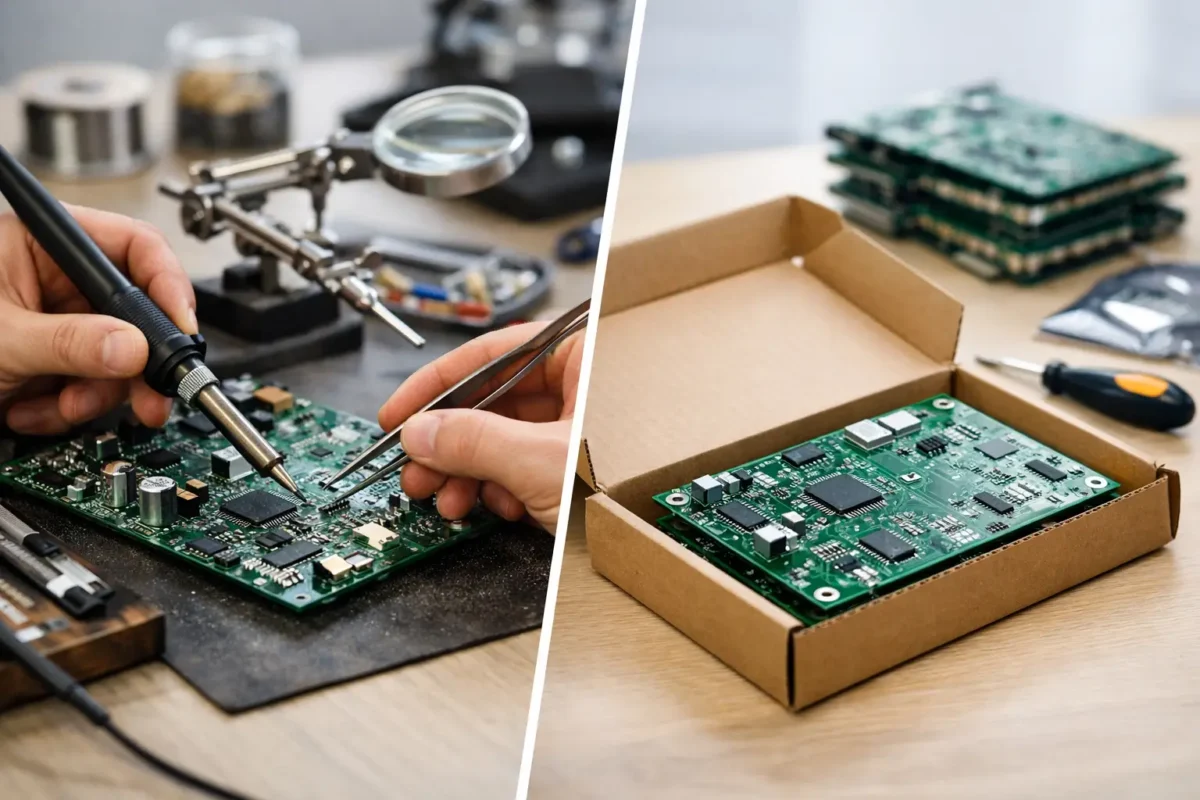
Board Repair vs Replacement: What Pays Off?

A dead motherboard in a gaming PC, a no-power PS5, a DJ controller with a burned section on the PCB – these are the moments when board repair vs replacement stops being a theory and becomes a money decision. Most people are not asking for the perfect technical answer. They want to know what gets the device working again without wasting time or paying for the wrong fix.

That decision is not as simple as repair is cheaper and replacement is safer. Sometimes board-level repair saves a device that would otherwise be scrapped. Sometimes replacing the board is the only responsible move. The right call depends on the failure itself, the value of the device, parts availability, data or configuration tied to the board, and whether the person doing the work can actually diagnose at the component level instead of guessing.

Board repair vs replacement starts with diagnosis

If nobody has identified the actual fault, any quote is just a rough opinion. A board can fail because of a shorted capacitor, a bad MOSFET, damaged traces, liquid corrosion, a failed port, a cracked connector, a blown fuse, or a larger chipset issue. Those are very different repair paths, even though the symptom may look the same from the outside.

This is where a lot of bad decisions get made. Some shops jump straight to replacement because that is faster for them if a whole board is available. Others promise repair without confirming whether the failure is localized or spread across multiple circuits. Good board work starts with real testing – voltage rail checks, short detection, visual inspection under magnification, continuity testing, thermal checks, and when needed, schematic-based tracing.

If the fault is isolated and accessible, repair often makes strong financial sense. If the board has widespread liquid damage, multilayer internal damage, severe heat damage, or a failed chip that is not realistically replaceable, replacement may be the better route.

When board repair is usually the better value

Board repair tends to make the most sense when the device itself is worth preserving and the failure is limited to specific components or circuits. That is common with laptops, custom PCs, consoles, DJ gear, and other electronics where replacing the full board is expensive, hard to source, or introduces other problems.

A simple example is a damaged charging circuit on a laptop motherboard. Replacing a few failed components can cost far less than sourcing a whole replacement board. The same goes for HDMI port damage on a game console, power section failures on pro audio gear, or broken controller board connections. In these cases, the board is not beyond saving. It just needs skilled component-level work.

Repair also has an advantage when replacement boards are used, pulled, or of uncertain quality. A replacement board might solve one issue while bringing in another, especially with donor parts from salvage stock. On older equipment, replacement boards may already be living on borrowed time. A clean repair to the original board can be more predictable because you are fixing a known failure instead of gambling on an unknown board.

There is also the issue of compatibility. Some boards are tied to serials, firmware, calibration data, security chips, or hardware matching. Swapping the board can create extra steps or leave certain functions broken. That matters on some laptops, consoles, DJ hardware, and business equipment where the board is not just a generic part.

When replacement is the smarter move

There are times when replacing the board is the practical answer, and pretending otherwise does not help the customer. If the board has extensive corrosion across multiple zones, severe physical damage, or internal layer failure from impact or electrical events, repair can become too time-consuming and too uncertain.

Replacement also makes sense when the cost of labor needed for advanced repair gets too close to the price of a good replacement board. This can happen on certain consumer devices where boards are common and affordable. If a tested, reliable replacement is available quickly and installs cleanly, that may reduce downtime and lower overall risk.

Business clients often care about turnaround as much as repair cost. If a workstation or network appliance is mission-critical, the fastest dependable path may be replacement first, especially if every day offline costs real money. In that situation, repair is not always the wrong answer, but the value calculation changes.

Another factor is repeat reliability. If one section of the board failed because of a larger design weakness or because multiple surrounding components have already been stressed, a single repair may not restore long-term confidence. A replacement board, if known good and properly sourced, can sometimes offer a cleaner reset.

Cost is more than the invoice

People usually compare repair and replacement by asking which quote is lower. That matters, but it is only part of the picture. The better question is total cost.

A replacement may cost more upfront but reduce downtime. A repair may cost less upfront and preserve data, firmware matching, or existing configuration. On the other hand, a cheap replacement from an unverified source can turn into a second repair bill later. The lowest number on day one is not always the least expensive outcome.

For gaming systems and custom computers, there is also the issue of preserving the rest of the build. If a board-level fault can be repaired cleanly, you may avoid unnecessary replacement of paired parts or the headache of rebuilding around a different board revision. For professional gear, especially DJ equipment, keeping the original board can protect fit, feature behavior, and equipment consistency.

This is why experienced shops do not treat every dead board like a parts catalog problem. They look at the repair path, the replacement path, the time involved, the source quality of parts, and the realistic life expectancy after the work is done.

Board repair vs replacement for different devices

The type of device changes the answer.

For laptops and desktops, board repair is often attractive when the fault is in the power circuit, charging section, backlight circuit, or a physically damaged port area. Replacement becomes more appealing when the board is common, affordable, and not tied to critical data or unique configuration.

For consoles like PS4, PS5, and Xbox systems, board repair is often the preferred path for HDMI damage, power faults, and certain no-boot conditions. Full board replacement can be harder than it sounds because of pairing, availability, and donor board quality.

For controllers, repair usually wins when damage is isolated to charging ports, broken pads, stick circuit issues, or trace damage. Replacement may make more sense if the board is heavily corroded or if the controller itself is low enough in value that labor outweighs the benefit.

For DJ equipment and other pro electronics, repair has a strong case because replacement boards can be expensive, unavailable, or discontinued. On specialized gear, component-level repair is often what keeps the equipment in service at all.

The skill of the shop changes the answer

This part gets overlooked all the time. Board repair vs replacement is not just about the device. It is also about who is doing the work.

A shop that mainly swaps assemblies will naturally lean toward replacement. A shop that performs real board-level diagnostics, micro-soldering, PCB trace repair, and BGA rework can see repair opportunities others miss. That does not mean every board should be repaired. It means the customer gets a real evaluation instead of a default answer.

That distinction matters because poor diagnosis creates false choices. If someone cannot find the failed component, they may say the whole board is dead. If someone lacks the tools or experience to rebuild pads, replace fine-pitch parts, or correct prior failed repair attempts, they may recommend replacement even when repair is fully viable.

A serious repair process should be transparent. What failed, what is being tested, what parts are needed, what the risks are, and whether repair or replacement offers the better outcome – that should all be explained in plain language.

How to make the right call

If you are deciding between repair and replacement, start with four questions. Is the fault isolated or widespread? Is a reliable replacement board actually available? Will a board swap create compatibility, pairing, or data issues? And does the shop have proven board-level capability, not just part-swapping experience?

If the failure is localized, the original board has value, and the repair is being handled by technicians who do this work in-house, repair is often the smarter investment. If the damage is extensive, the replacement is tested and cost-effective, and downtime is the bigger concern, replacement may be the better move.

At Amazing Technology Group Inc., this is exactly why real diagnosis comes first. Customers do better when the answer is based on the board in front of us, not on a shortcut.

The best repair decision is usually the one that respects both the hardware and your budget. Not every board should be saved, but plenty of boards get replaced every day when they could have been repaired correctly.