

A console that will not power on, overheats after ten minutes, drops its display signal, or refuses to read games is more than an inconvenience. Your library, saved data, subscriptions, and expensive hardware are tied to that machine. Good console repair is not about guessing at the most common part and hoping for the best. It starts with finding the actual point of failure.
That difference matters. Many shops can replace a fan, port, or hard drive. The harder work is determining whether the fan is actually receiving the correct voltage, whether the port damage reaches the motherboard, or whether a failed power circuit is keeping the system from booting. Real diagnosis prevents repeat failures, unnecessary parts, and the frustration of getting your console back with the same issue still waiting for you.
What a Real Console Repair Diagnosis Looks Like
A proper repair begins before any part is replaced. The technician first confirms the reported symptom, checks the system for physical damage, and tests the most likely failure paths. On a PS5 or Xbox Series console, that may include power delivery, HDMI signal circuits, storage health, cooling performance, USB ports, and motherboard components. On an older PS4 or Xbox One, it may also involve hard-drive failure, optical drive communication, or damaged power-management circuitry.
Symptoms can be misleading. A console with no video may have a worn HDMI cable or a damaged connector, but it can also have failed HDMI protection components, a broken trace on the board, or a damaged encoder circuit. Replacing the port alone will not solve every no-display problem. The same goes for overheating. A loud fan may be doing its job because the heatsink is blocked or the thermal connection has failed. Replacing the fan without checking the cooling system can waste money and leave the console at risk.
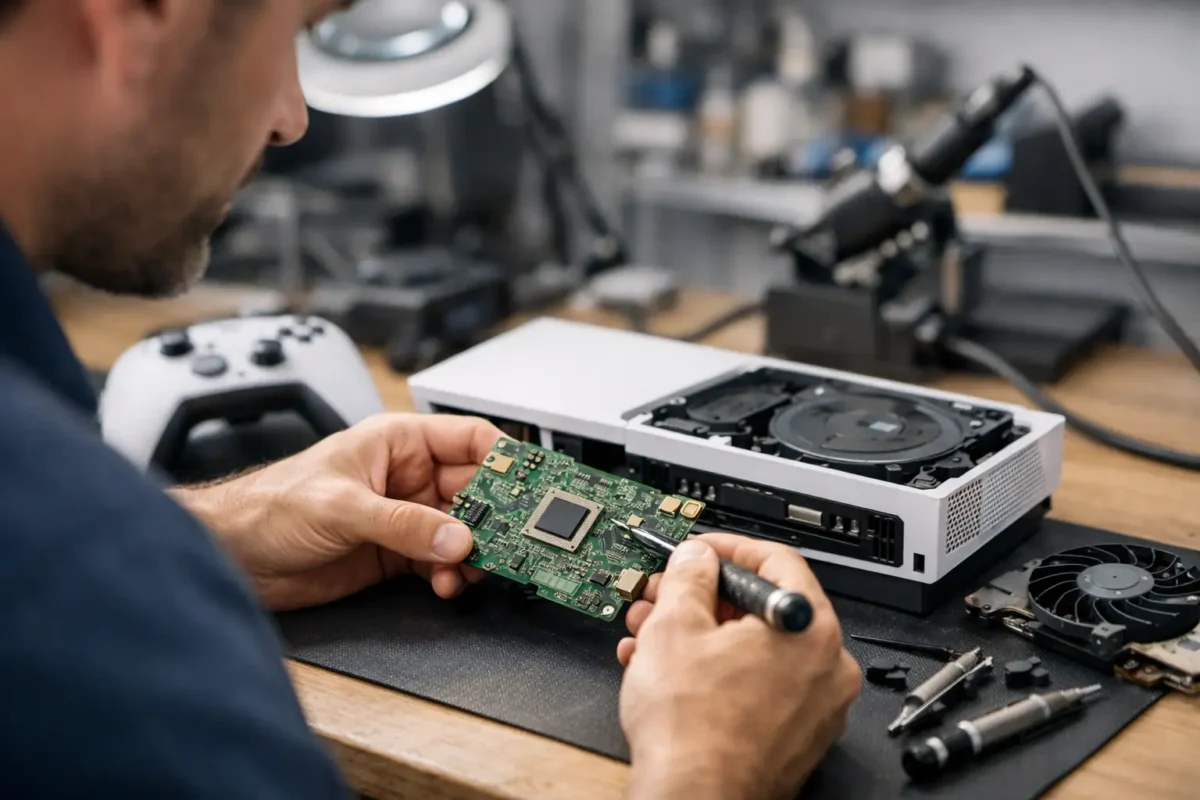
This is where board-level work earns its value. Instead of treating the motherboard as a disposable part, a qualified technician can test components, identify shorted circuits, repair lifted pads or damaged traces, and replace failed chips when the repair is practical. It takes proper tools, experience, and careful handling, especially around fine-pitch components and multi-layer circuit boards.
Common Failures and What They May Mean
Some problems have recognizable patterns, but no symptom should be treated as a final diagnosis. A console that shuts down during demanding games may have a thermal issue, a failing power supply, or a fault that appears only under load. A controller that drifts may need an analog-stick module replacement, but intermittent input can also come from contamination, a damaged flex cable, or a charging-board issue.
HDMI failures are among the most common repair requests. Bent pins, loose ports, and physical impact can damage the connection at the back of the console. In straightforward cases, replacing the port restores the signal. In more complex cases, the impact has torn solder pads from the board or damaged nearby filters and signal lines. That is why a low price for an HDMI port repair is not always the best deal if it does not include testing the full video path.
Disc-reading problems also deserve more than a quick assumption. A console may reject discs because of a worn laser, but it may also have a damaged drive mechanism, a board communication issue, or software-related behavior. Certain console generations pair optical-drive components to the motherboard, which means swapping in a random replacement drive can create a new problem rather than fix the old one.
Liquid damage requires particular care. The console may work briefly after exposure, then fail days or weeks later as corrosion spreads across connectors and components. Turning it on repeatedly can make the damage worse. Disconnect power, avoid heat guns and internet shortcuts, and get the system inspected before corrosion has more time to work.
When Repair Is Better Than Replacement
Repair is usually the smart move when the console is a current-generation model, the failure is isolated, and the repair cost remains reasonable compared with replacement. It also makes sense when the system has hard-to-replace saved data, a limited-edition shell, or an issue that can be corrected at the component level rather than by replacing the entire motherboard.
There are limits. Severe liquid intrusion, extensive board corrosion, previous botched repair attempts, or catastrophic processor and memory failures can make repair uneconomical. A dependable shop should explain that clearly rather than charge for work that does not offer a realistic path to a lasting result.
The right decision depends on the console’s age, value, condition, and failure type. A minor HDMI repair on a PS5 is very different from a heavily corroded launch-era console with several damaged circuits. Honest diagnostics give you the information needed to decide, rather than pushing you toward a repair or replacement before the facts are known.
Why Board-Level Capability Matters
Part-swapping has a place. A failed fan, worn USB port, broken joystick, or damaged power supply sometimes needs a direct replacement. But part-swapping alone cannot address every failure, and it can hide the real source of the problem.
Board-level console repair means working directly on the motherboard and its circuits. That can include micro-soldering new HDMI connectors, rebuilding damaged pads, replacing surface-mounted components, resolving shorts, repairing traces, and performing BGA rework when appropriate. These jobs require controlled heat, magnification, test equipment, and the judgment to know when a board can be restored safely.
It also keeps repair options open for systems that many locations simply decline. A shop without board-level capability may label a console “not repairable” because it cannot replace the entire motherboard economically. That does not automatically mean the console is beyond repair. It may mean the failure is beyond that shop’s tooling or experience.
Amazing Technology Group keeps complex diagnostics and repair work in-house, giving customers a practical option when their console needs more than an off-the-shelf part. The goal is not to make every repair sound easy. The goal is to identify what failed, explain the available options, and complete work that is built to last.
What to Do Before Bringing in Your Console
A little preparation protects both your equipment and your data. If the system still boots, back up saved data when possible and remove any game disc. Record the exact behavior: Does it shut down immediately or only after gaming? Is there a beep, flashing light, error message, or no response at all? Has it been dropped, exposed to liquid, or worked intermittently before failing?
Do not keep cycling power on a console that smells burnt, gets unusually hot, or has known liquid exposure. Do not force an HDMI cable into a damaged port. And avoid attempting a repair with a household soldering iron, a heat gun, or a video tutorial that skips the diagnostic steps. Modern console boards are dense, heat-sensitive, and easy to damage permanently without the correct equipment.
Bring the power cable and any relevant accessories if they may be involved in the issue. For controller problems, bring the controller itself and explain whether the fault occurs wired, wirelessly, or both. Clear details help technicians reproduce intermittent failures and reduce the time spent chasing symptoms that only appear under certain conditions.
Questions Worth Asking a Console Repair Shop
Before authorizing work, ask whether the shop performs diagnostics before replacing parts, whether difficult work is completed in-house, and what happens if the original issue turns out to involve board damage. Ask for a clear estimate and whether the repair is covered by a workmanship warranty.
You should also expect a straightforward explanation in plain English. A good technician can discuss voltage rails, HDMI circuits, and board damage when needed, but they should also be able to tell you what happened, what repair is recommended, and why it is the best path for your system. Technical skill and customer communication belong together.
Your console does not need a guess, a temporary workaround, or a rushed replacement decision. It needs careful testing and a repair plan based on what the hardware is actually doing. When the diagnosis is right, you have the best chance of getting back to your games with a system you can trust.