

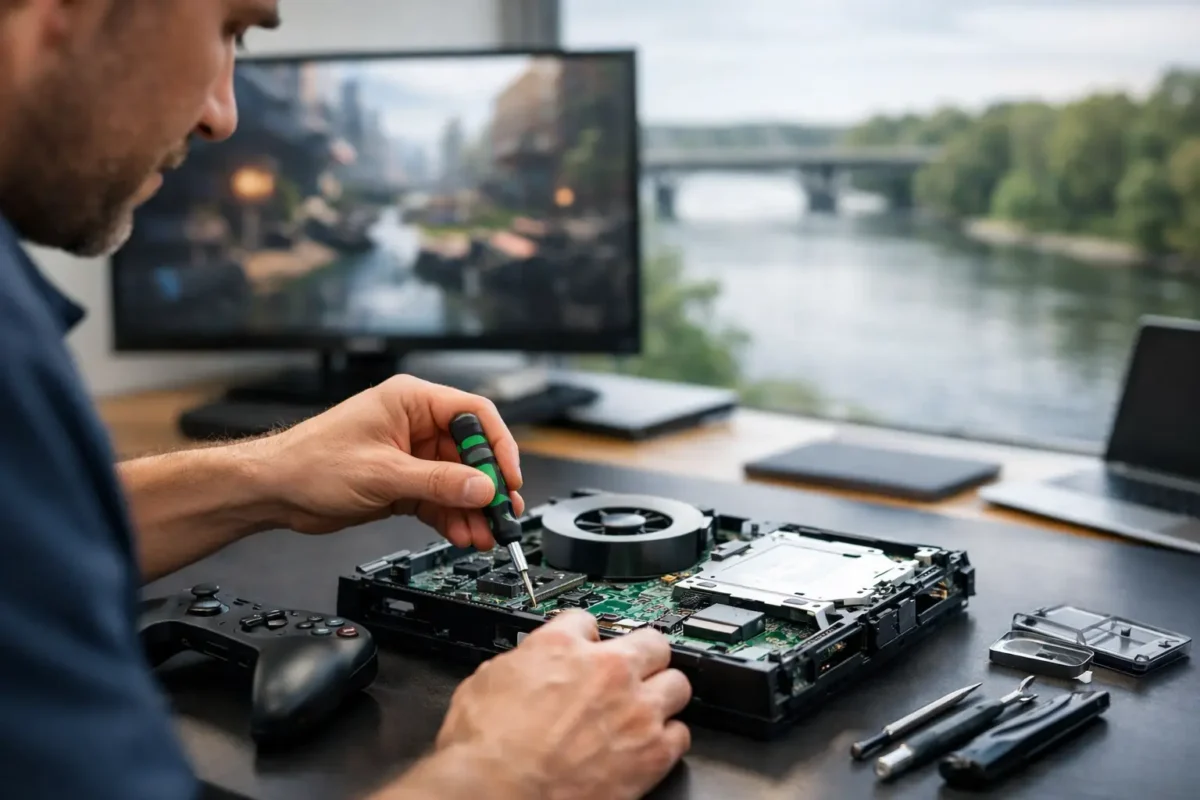
A console that will not power on, will not display video, or shuts down halfway through a game is more than an inconvenience. It can mean lost saves, a ruined weekend, and the fear that an expensive system is headed for the trash. Riverside console repair should start with finding the actual failure, not guessing at the first part that looks suspicious.
Modern PlayStation and Xbox systems are compact, high-density computers. Heat, liquid damage, worn ports, power faults, failed storage, damaged HDMI circuits, and controller issues can produce similar symptoms. A real repair begins with diagnosis so you know whether the fix is practical before spending money on replacement hardware.
What a Proper Console Diagnosis Looks Like
A console can look completely dead for several different reasons. A failed power supply, damaged charging or power circuit, shorted component, bad HDMI encoder, corrupted storage device, or failing motherboard can all prevent normal startup. Replacing a single part without testing may temporarily change the symptom, but it does not always solve the root cause.
A technician should inspect the system, confirm the reported issue, and test the relevant circuits and components. That process may include checking power rails, examining ports under magnification, testing video output behavior, checking cooling performance, and evaluating internal storage or software-related failure points. The goal is straightforward: identify what failed, determine whether it can be repaired reliably, and give the customer clear options.
This matters most when the failure is not obvious. For example, a PS5 with no display is not automatically an HDMI port repair. The port may be physically damaged, but the problem could also involve the HDMI circuit, a connector trace, or another board-level issue. Similarly, an Xbox that powers on and immediately shuts off may have a thermal, power, or motherboard fault. Symptoms point the way, but testing confirms the answer.
Riverside Console Repair for Common Failures
Some console problems are common enough to recognize quickly, but they still deserve careful work. Ports and connectors are especially vulnerable because they take repeated physical stress. HDMI ports can bend, crack, loosen from the board, or lose the tiny internal connections required for clean video output. A loose port is not a job for glue or a quick adjustment. It often requires removal, pad inspection, trace repair when needed, and precise soldering of a replacement connector.
Power and startup faults are another major category. You may see a console that does nothing when the power button is pressed, turns on briefly and shuts down, flashes a light without booting, or repeatedly attempts to start. The right repair depends on the findings. In some cases, an external component can be replaced. In others, the fault is on the main board and requires component-level troubleshooting.
Overheating is often misunderstood. A loud fan does not always mean the fan itself is bad, and a shutdown warning does not automatically mean fresh thermal paste will fix it. Dust buildup, poor heat transfer, a failing fan, blocked airflow, damaged cooling hardware, or a deeper sensor or board issue may be involved. Cleaning and maintenance can help when the cooling system is otherwise healthy. If the system continues to overheat after service, it needs more complete diagnosis.
Storage and software failures also require judgment. A console that boots into safe mode, freezes during updates, reports corrupted data, or fails to load games may have a recoverable software issue. It may also have failing internal storage or a hardware fault affecting the storage system. Factory resetting a console before evaluating the problem can erase data and may not fix the underlying failure. When saved data matters, stop experimenting and get the system assessed first.
Why Board-Level Repair Can Save a Console
Many shops are set up for quick part swapping. That approach works for simple repairs, but it has limits. If a replaceable module does not solve the issue, or if the damaged part is part of the motherboard itself, the job may be declined or labeled unrepairable.
Board-level repair takes more skill, equipment, and time. It can involve micro-soldering, trace restoration, connector replacement, short detection, component testing, and BGA-related work where appropriate. It is not always the cheapest path, and not every board is economically repairable. Severe corrosion, extensive multilayer board damage, unavailable components, or a repair cost close to replacement value can change the decision.
Still, this level of work is often what makes the difference for a console with a damaged HDMI circuit, lifted pads, failed charging circuit, liquid damage, or another fault that cannot be fixed by dropping in a standard replacement part. Amazing Technology Group keeps complex diagnostics and repair work in-house, giving customers a better chance at a practical repair instead of an automatic replacement recommendation.
Controllers Deserve More Than a Temporary Fix
A console may be healthy while the controller is the real problem. Stick drift, weak batteries, broken USB-C ports, unresponsive buttons, trigger failures, connection problems, and damaged charging circuits can make a controller feel unusable. Replacing the controller may be the right call if it is heavily worn or the repair cost does not make sense. But for premium controllers and otherwise solid hardware, repair can be the better value.
Stick drift is a good example. Cleaning may help in limited situations, especially when debris is interfering with movement. It will not permanently restore a worn potentiometer or damaged stick mechanism. A proper evaluation separates a temporary cleanup opportunity from a component that needs replacement.
What to Do Before Bringing in Your Console
Do not keep forcing a console to power on if it has liquid exposure, a burning smell, repeated shutdowns, or visible port damage. Continued use can turn a localized failure into more extensive board damage. Unplug it and avoid opening the system if you are not equipped to handle delicate internal connectors and static-sensitive components.
Bring the power cable and the affected controller when they may be relevant to the problem. For video issues, it also helps to explain whether the console was moved, dropped, or connected to a different display before the failure started. Describe what the system does in order: no light, blue light, brief startup, fan spin, error message, no video, or shutdown. Small details can shorten the diagnostic path.
If your console still boots, back up what you can before repair. Cloud saves and external backup options vary by platform and subscription status, so do not assume every save is protected. If the system will not boot or is unstable, avoid repeated resets, updates, and repair videos that could make data recovery or diagnosis harder.
Choosing Repair or Replacement
The best answer depends on the model, the condition of the console, the type of failure, and the cost of the confirmed repair. A recent console with a damaged HDMI port or repairable power fault is often worth fixing. An older system with major liquid corrosion and multiple failures may be harder to justify. The key is getting a diagnosis that gives you a real choice instead of selling you a guess.
Ask whether the issue has been verified, whether the repair is component-level or a standard part replacement, and whether related damage was found. Clear answers build confidence. Vague promises, flat-rate quotes without diagnosis, and claims that every no-power system has the same fix should raise questions.
Your console is not disposable just because it stopped working. With careful testing, skilled soldering, and an honest assessment of cost versus value, many systems that seem finished can get back to doing what they were built to do: run your games reliably.