

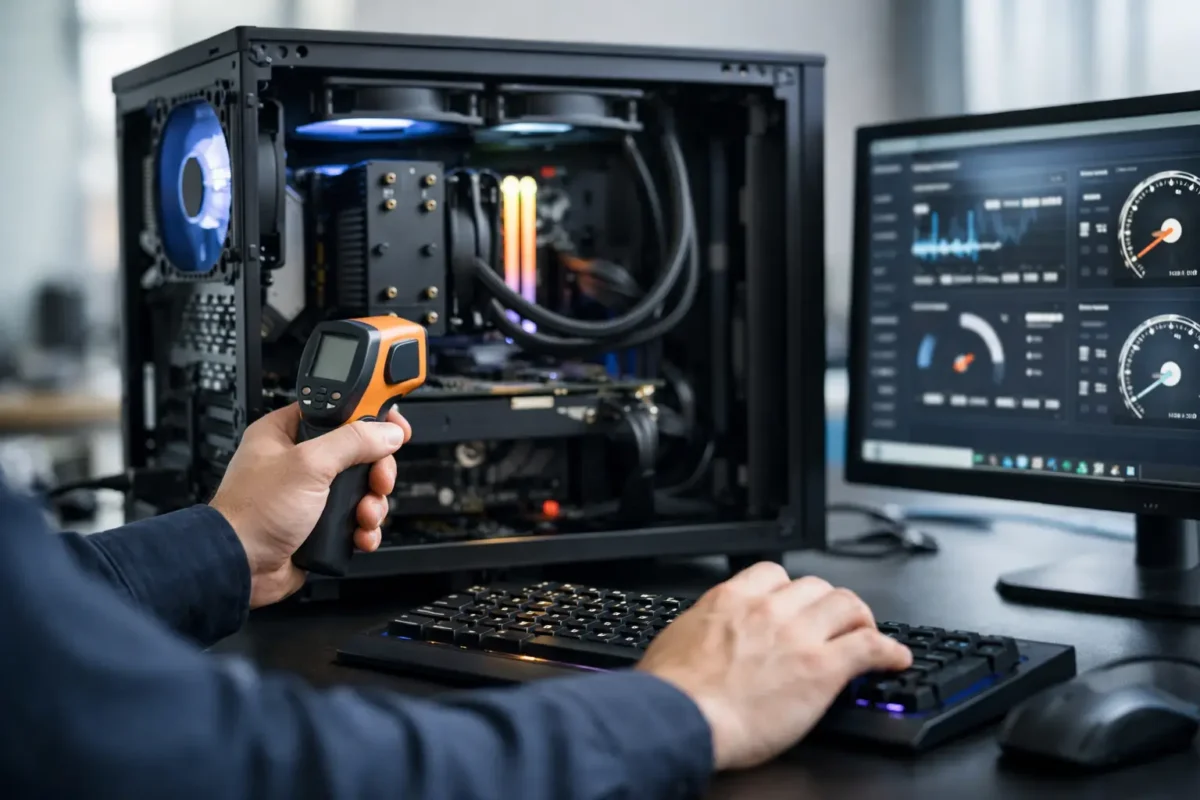
A bad overclock usually does not announce itself with fireworks. It shows up as random crashes in the middle of a match, corrupted files, blue screens during exports, or a system that feels fast for a week and unstable for the next six months. That is why a safe pc overclocking service is not about chasing a screenshot. It is about building extra performance you can actually live with.
For gamers, creators, and small business users running demanding workloads, overclocking can make sense. The problem is that too many people treat it like a quick BIOS tweak instead of an engineering job. Real overclocking is part tuning, part thermal management, and part long-form testing. If any one of those pieces gets ignored, the system may bench well and still fail in normal use.
What a safe pc overclocking service should actually include
A proper service starts before anyone changes a single multiplier. The hardware has to be evaluated as a complete system. That means looking at the CPU, GPU, motherboard VRM quality, power supply stability, memory configuration, case airflow, cooler capacity, and the actual use case. A gaming PC built for high refresh rates needs a different tuning strategy than a workstation that renders for hours at a time.
This is where experience matters. Some chips have real headroom. Some do not. Two processors with the same model number can behave differently under voltage and heat. The same goes for graphics cards and memory kits. Safe overclocking is not based on internet guesses. It is based on what the silicon in front of you can do without being pushed past a sensible operating range.
A good technician also checks for existing issues before tuning starts. If a board has power delivery problems, if thermal paste has dried out, if the cooler is mounted poorly, or if memory is already unstable at stock settings, overclocking should wait. Piling more stress onto a weak system is how avoidable damage happens.
Safe pc overclocking service is really about control
People often hear overclocking and think speed. The better word is control. Clock speed, voltage, temperature, fan behavior, power limits, and memory timings all affect one another. Raise one variable too aggressively and you may create heat or instability that shows up somewhere else.
That is why responsible tuning happens in steps. You make a controlled change, test it, log the result, and move again only if the system stays healthy. If temperatures climb too high or stability margins get thin, the right move is to back off. A lower overclock that survives daily use is better than a flashy number that causes silent errors.
There is always a trade-off. More performance usually means more heat and more power draw. The question is whether the gain is worth the added stress. In many systems, the smartest result is not the maximum possible overclock. It is a balanced tune that improves responsiveness while keeping thermals, acoustics, and long-term reliability in check.
The hardware around the chip matters more than most people think
One of the biggest mistakes in DIY tuning is focusing only on the processor or graphics card. Supporting hardware decides a lot. A high-end CPU paired with a weak cooler, poor airflow, or a low-quality power supply is not a safe candidate for aggressive tuning.
Cooling is the obvious factor, but not the only one. Motherboard quality matters because voltage regulation has to stay clean under load. RAM quality matters because unstable memory can look like a CPU problem. Even the case layout matters because hot air has to leave the chassis efficiently or all your thermal numbers start drifting upward.
This is also why board-level repair experience is valuable in a shop that offers overclocking. Technicians who understand power delivery, thermal behavior, and component-level failure patterns tend to approach tuning with more discipline. They are less likely to use reckless voltage just to hit a target, and more likely to catch signs that a system should be corrected before performance work begins.
How professionals test for a stable overclock
Stability testing is where safe work separates itself from guesswork. A machine that can boot and run one benchmark is not proven stable. It needs to survive repeatable stress under different kinds of load. CPU-heavy tests, memory-sensitive tests, mixed workload testing, and real-use application testing all reveal different weaknesses.
Thermals have to be watched closely during this process. Peak temperature matters, but sustained temperature matters just as much. Some systems look fine in a short pass and then begin throttling or erroring after extended load. Voltage behavior also has to be monitored because settings that seem acceptable at first can become risky once the system is heat-soaked.
Then there is daily-use validation. A gaming rig should be tested in actual games, not only synthetic tools. A workstation should be checked in the software it earns money with. A safe result is one that works where the customer actually needs it.
Why one-click overclocking is not the same thing
Motherboard auto-tuning features and software-based one-click overclocks can be tempting. They are fast, simple, and marketed as safe. Sometimes they produce acceptable results. Often, they use more voltage than necessary because they are designed to cover a wide range of chips instead of your specific one.
That extra voltage can mean higher temperatures, louder fans, and more stress than the system really needs. It may still function, but it is not the same as a hand-tuned profile built around measured limits. Safe overclocking is usually a custom process, not a preset.
The same caution applies to settings copied from forums or videos. Even if somebody has the same CPU and motherboard, they do not have your exact silicon, cooler, airflow, or workload. Borrowing numbers without validation is one of the fastest ways to create an unstable machine.
Who should consider professional overclocking
Not every PC owner needs this service. If the system is used for web browsing, office tasks, or light media use, stock settings are often the right answer. Overclocking becomes more attractive when performance demand is real and hardware quality supports it.
Gamers trying to push high frame rates, streamers running multiple loads at once, editors working with heavy timelines, and users with custom-built performance rigs are the most likely to benefit. So are customers who already invested in strong cooling and quality components but want those parts tuned properly instead of left on generic defaults.
For business users, caution matters even more. If a machine handles production work, downtime costs money. In those cases, the conversation is less about the highest result and more about whether a moderate, tested gain makes operational sense.
What to ask before hiring a safe pc overclocking service
You do not need to be an engineer to ask the right questions. Ask how the system will be evaluated before tuning. Ask what stress testing is included. Ask whether temperatures and voltages are documented. Ask whether the service includes memory tuning, fan curve adjustment, or only basic CPU changes.
You should also ask what happens if the hardware is not a good candidate. A trustworthy shop will tell you when overclocking is not the right move. Sometimes the better recommendation is improving cooling, replacing a weak power supply, correcting unstable memory, or repairing an existing hardware issue first.
If you are local to Riverside County, working with a team that already handles advanced diagnostics and in-house electronics repair can be a major advantage. Amazing Technology Group approaches performance work the same way difficult repairs should be approached – by measuring, testing, and solving the real problem instead of guessing.
The best outcome is performance you can trust
A real overclock should feel boring in the best possible way. The PC should boot normally, stay stable under pressure, keep temperatures in line, and deliver the extra performance without constant troubleshooting. That kind of result takes more than enthusiasm. It takes method, restraint, and technical judgment.
If you are considering overclocking, do not shop for the biggest promise. Shop for the safest process. A system that runs a little faster and stays dependable is worth far more than one that wins a benchmark and loses your confidence a week later.
The right tuning job respects the hardware, the workload, and the fact that this machine still has to earn its keep after the testing is over.