Computer Repair - Game Console Repair - Electronics Repair - Micro Soldering | !!! Now Open from 8am to 10pm Mon - Thurs =) !!!

Categories
Uncategorized

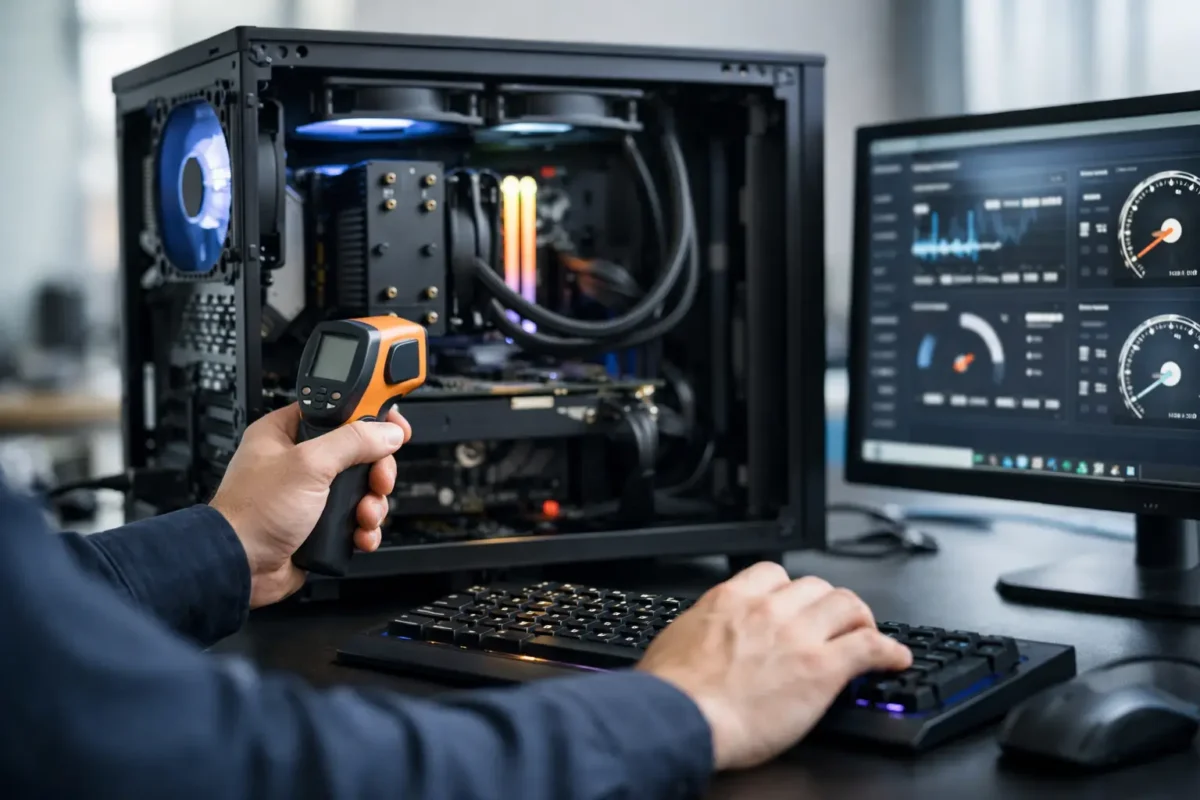
Safe PC Overclocking Service Done Right

A bad overclock usually does not announce itself with fireworks. It shows up as random crashes in the middle of a match, corrupted files, blue screens during exports, or a system that feels fast for a week and unstable for the next six months. That is why a safe pc overclocking service is not about chasing a screenshot. It is about building extra performance you can actually live with.

For gamers, creators, and small business users running demanding workloads, overclocking can make sense. The problem is that too many people treat it like a quick BIOS tweak instead of an engineering job. Real overclocking is part tuning, part thermal management, and part long-form testing. If any one of those pieces gets ignored, the system may bench well and still fail in normal use.

What a safe pc overclocking service should actually include

A proper service starts before anyone changes a single multiplier. The hardware has to be evaluated as a complete system. That means looking at the CPU, GPU, motherboard VRM quality, power supply stability, memory configuration, case airflow, cooler capacity, and the actual use case. A gaming PC built for high refresh rates needs a different tuning strategy than a workstation that renders for hours at a time.

This is where experience matters. Some chips have real headroom. Some do not. Two processors with the same model number can behave differently under voltage and heat. The same goes for graphics cards and memory kits. Safe overclocking is not based on internet guesses. It is based on what the silicon in front of you can do without being pushed past a sensible operating range.

A good technician also checks for existing issues before tuning starts. If a board has power delivery problems, if thermal paste has dried out, if the cooler is mounted poorly, or if memory is already unstable at stock settings, overclocking should wait. Piling more stress onto a weak system is how avoidable damage happens.

Safe pc overclocking service is really about control

People often hear overclocking and think speed. The better word is control. Clock speed, voltage, temperature, fan behavior, power limits, and memory timings all affect one another. Raise one variable too aggressively and you may create heat or instability that shows up somewhere else.

That is why responsible tuning happens in steps. You make a controlled change, test it, log the result, and move again only if the system stays healthy. If temperatures climb too high or stability margins get thin, the right move is to back off. A lower overclock that survives daily use is better than a flashy number that causes silent errors.

There is always a trade-off. More performance usually means more heat and more power draw. The question is whether the gain is worth the added stress. In many systems, the smartest result is not the maximum possible overclock. It is a balanced tune that improves responsiveness while keeping thermals, acoustics, and long-term reliability in check.

The hardware around the chip matters more than most people think

One of the biggest mistakes in DIY tuning is focusing only on the processor or graphics card. Supporting hardware decides a lot. A high-end CPU paired with a weak cooler, poor airflow, or a low-quality power supply is not a safe candidate for aggressive tuning.

Cooling is the obvious factor, but not the only one. Motherboard quality matters because voltage regulation has to stay clean under load. RAM quality matters because unstable memory can look like a CPU problem. Even the case layout matters because hot air has to leave the chassis efficiently or all your thermal numbers start drifting upward.

This is also why board-level repair experience is valuable in a shop that offers overclocking. Technicians who understand power delivery, thermal behavior, and component-level failure patterns tend to approach tuning with more discipline. They are less likely to use reckless voltage just to hit a target, and more likely to catch signs that a system should be corrected before performance work begins.

How professionals test for a stable overclock

Stability testing is where safe work separates itself from guesswork. A machine that can boot and run one benchmark is not proven stable. It needs to survive repeatable stress under different kinds of load. CPU-heavy tests, memory-sensitive tests, mixed workload testing, and real-use application testing all reveal different weaknesses.

Thermals have to be watched closely during this process. Peak temperature matters, but sustained temperature matters just as much. Some systems look fine in a short pass and then begin throttling or erroring after extended load. Voltage behavior also has to be monitored because settings that seem acceptable at first can become risky once the system is heat-soaked.

Then there is daily-use validation. A gaming rig should be tested in actual games, not only synthetic tools. A workstation should be checked in the software it earns money with. A safe result is one that works where the customer actually needs it.

Why one-click overclocking is not the same thing

Motherboard auto-tuning features and software-based one-click overclocks can be tempting. They are fast, simple, and marketed as safe. Sometimes they produce acceptable results. Often, they use more voltage than necessary because they are designed to cover a wide range of chips instead of your specific one.

That extra voltage can mean higher temperatures, louder fans, and more stress than the system really needs. It may still function, but it is not the same as a hand-tuned profile built around measured limits. Safe overclocking is usually a custom process, not a preset.

The same caution applies to settings copied from forums or videos. Even if somebody has the same CPU and motherboard, they do not have your exact silicon, cooler, airflow, or workload. Borrowing numbers without validation is one of the fastest ways to create an unstable machine.

Who should consider professional overclocking

Not every PC owner needs this service. If the system is used for web browsing, office tasks, or light media use, stock settings are often the right answer. Overclocking becomes more attractive when performance demand is real and hardware quality supports it.

Gamers trying to push high frame rates, streamers running multiple loads at once, editors working with heavy timelines, and users with custom-built performance rigs are the most likely to benefit. So are customers who already invested in strong cooling and quality components but want those parts tuned properly instead of left on generic defaults.

For business users, caution matters even more. If a machine handles production work, downtime costs money. In those cases, the conversation is less about the highest result and more about whether a moderate, tested gain makes operational sense.

What to ask before hiring a safe pc overclocking service

You do not need to be an engineer to ask the right questions. Ask how the system will be evaluated before tuning. Ask what stress testing is included. Ask whether temperatures and voltages are documented. Ask whether the service includes memory tuning, fan curve adjustment, or only basic CPU changes.

You should also ask what happens if the hardware is not a good candidate. A trustworthy shop will tell you when overclocking is not the right move. Sometimes the better recommendation is improving cooling, replacing a weak power supply, correcting unstable memory, or repairing an existing hardware issue first.

If you are local to Riverside County, working with a team that already handles advanced diagnostics and in-house electronics repair can be a major advantage. Amazing Technology Group approaches performance work the same way difficult repairs should be approached – by measuring, testing, and solving the real problem instead of guessing.

The best outcome is performance you can trust

A real overclock should feel boring in the best possible way. The PC should boot normally, stay stable under pressure, keep temperatures in line, and deliver the extra performance without constant troubleshooting. That kind of result takes more than enthusiasm. It takes method, restraint, and technical judgment.

If you are considering overclocking, do not shop for the biggest promise. Shop for the safest process. A system that runs a little faster and stays dependable is worth far more than one that wins a benchmark and loses your confidence a week later.

The right tuning job respects the hardware, the workload, and the fact that this machine still has to earn its keep after the testing is over.
Categories
Uncategorized

Custom Gaming PC Build Service That Fits

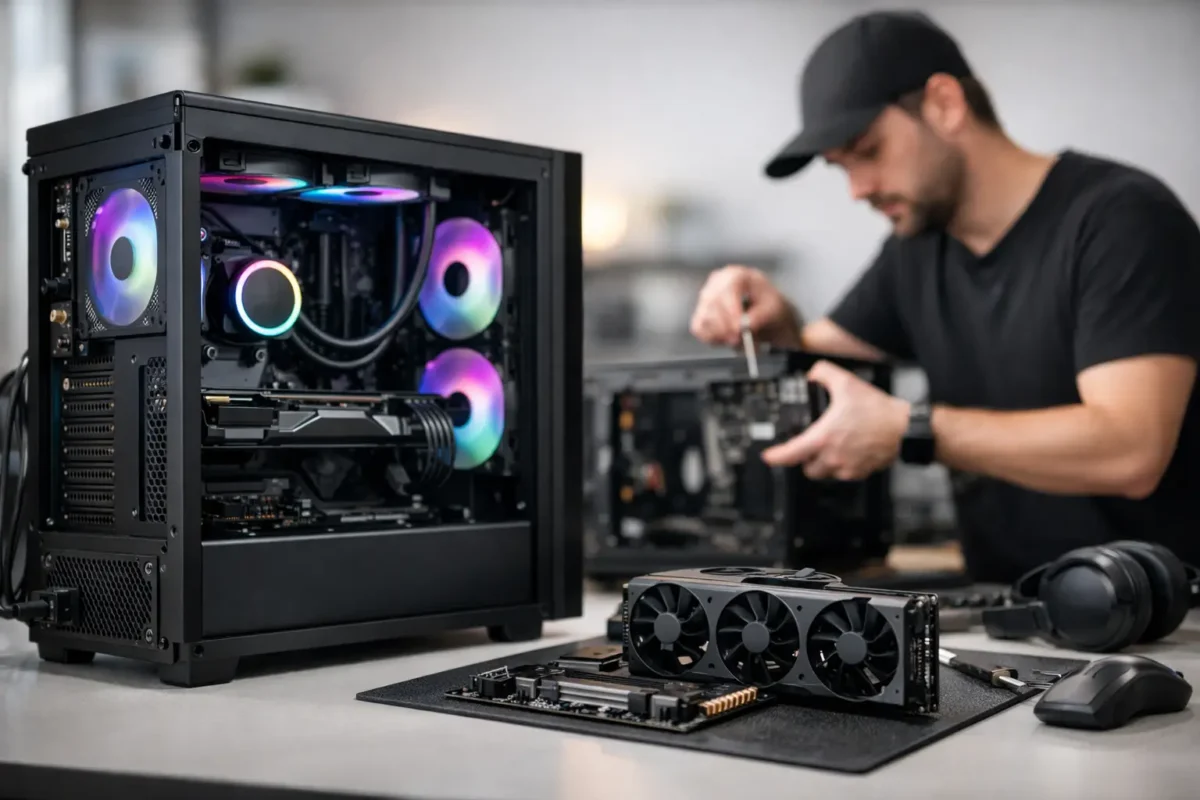
A gaming PC should not feel like a gamble. Too many people spend serious money on high-end parts, only to end up with a system that runs hot, crashes under load, bottlenecks in the wrong places, or gets built around flashy specs instead of real performance. That is where a custom gaming pc build service earns its keep. You are not just paying someone to screw parts into a case. You are paying for system design, compatibility planning, clean assembly, thermal management, tuning, and testing that gives you a machine built to do the job right.

What a custom gaming pc build service should actually include

A real build service starts before a single box is opened. The first step is figuring out what the system needs to do. Competitive 1080p gaming, maxed-out 1440p settings, 4K single-player performance, sim racing, VR, streaming, content creation, or a mix of all of it will each push the parts list in a different direction.

That matters because the best gaming PC is not the one with the most expensive parts. It is the one with balanced parts. A strong GPU paired with the wrong CPU can leave frames on the table. Too little cooling can throttle performance. Cheap power delivery can create instability. Even the case choice matters more than many people realize, because airflow and internal layout affect both temperatures and noise.

A proper service should cover consultation, parts matching, assembly, cable management, BIOS setup, operating system installation if requested, driver configuration, stress testing, and final verification. If overclocking or performance tuning is part of the job, that should be approached carefully, with stability first. Pushing numbers for bragging rights means nothing if the system fails during a long gaming session.

Why custom builds go wrong when they are rushed

A lot of bad builds look good in photos. That is the trap.

RGB lighting, an expensive graphics card, and a glass panel do not tell you whether the memory is configured correctly, whether the CPU cooler is mounted with proper pressure, whether fan curves make sense, or whether the power supply is sized for real-world loads. The weak points usually show up later as blue screens, random shutdowns, poor thermals, storage issues, or annoying noise that makes the whole setup feel cheap.

This is where technical experience makes a difference. A team that already works on failed motherboards, damaged GPUs, thermal issues, and unstable systems sees the mistakes from the other side every day. That background changes how a system gets built. It leads to better planning up front, cleaner execution, and fewer expensive surprises later.

The value of expert part selection

Most buyers start with the graphics card, and that makes sense. But a gaming rig is a system, not a single part. The CPU, motherboard, RAM speed and capacity, SSD selection, cooling, and power supply all affect the final result.

For example, some builds need more CPU headroom because the owner plays competitive shooters at high frame rates. Others need more GPU budget because the target is cinematic AAA gaming at 1440p or 4K. Some customers need extra storage for large game libraries. Others want quieter cooling because the PC sits on a desk a few feet away. There is no universal parts list that works for everyone.

A good custom gaming pc build service asks the right questions first. What monitor are you using? What games do you actually play? Are you streaming? Do you care more about raw FPS, low noise, upgrade path, or appearance? Are you trying to reuse any existing hardware? Those answers shape a smarter build than any copy-paste recommendation ever will.

Assembly is only part of the job

Building the machine is the visible part. The invisible part is what separates a solid rig from a headache.

BIOS updates, memory profile setup, thermal paste application, fan orientation, cooler clearance, front panel wiring, SSD configuration, and stability testing all matter. If one of those steps is skipped or handled carelessly, the user may not notice on day one. They will notice when the game stutters, the system overheats, or the machine refuses to boot after a simple update.

Testing is especially important. A new PC should be put under load before it goes home. That means checking CPU and GPU thermals, verifying storage health and speed, confirming RAM stability, and making sure the system behaves properly under sustained gaming-style workloads. This catches problems while they are still easy to fix.

Custom gaming PC build service for upgrades, not just new rigs

Not every customer needs a full new build. Sometimes the right move is upgrading an existing system that still has good bones.

A GPU upgrade may make perfect sense if the power supply and CPU can support it. A storage upgrade can transform everyday use. A cooling upgrade can reduce throttling and noise. In other cases, trying to patch an aging platform is wasted money, and a fresh build is the better long-term call.

That is another place where honest technical guidance matters. A service-first shop should tell you when an upgrade is smart and when it is not. The goal is not to sell the biggest invoice. The goal is to put the customer into a stable, high-performing system with the best value for the budget.

Who benefits most from a professional build

First-time PC owners get the obvious benefit of avoiding costly mistakes. But experienced gamers use build services too, especially when they do not want to spend hours troubleshooting firmware issues, tracking down compatibility problems, or dealing with cable routing and thermal tuning.

Parents buying for a younger gamer also benefit because they need a machine that works without drama. So do streamers and creators who need gaming performance and production stability in the same system. Small businesses sometimes need high-performance workstations that overlap with gaming-class hardware as well, especially for 3D, editing, and simulation tasks.

For local customers in Riverside County, having access to a team that also handles advanced diagnostics and repair adds another layer of confidence. If a part acts up, the same technical bench that builds systems can often troubleshoot the failure properly instead of defaulting to blind replacement.

What to ask before you hire a builder

If you are comparing providers, ask how they choose parts, how they test systems, and whether they can support upgrades or troubleshooting after the build is complete. Ask whether tuning is included, whether thermals are validated, and whether they are comfortable handling advanced hardware instead of only basic office systems.

It is also fair to ask how problems are handled. If a system shows instability, do they actually diagnose it or just swap parts until something works? There is a big difference between assembly labor and real technical service. One builds the PC. The other stands behind the machine when things get complicated.

That distinction matters even more with high-end hardware. Once budgets climb, small mistakes get expensive fast. A bad power decision, poor cooling setup, or unstable memory configuration can turn a premium build into an ongoing support issue.

The best build is the one that fits your use case

There is always a temptation to overspend. Bigger numbers look good on paper. But smart builds are built around the screen, the games, the workload, and the upgrade plan.

A well-targeted midrange system can feel better than an overpriced high-end rig if the parts are chosen with purpose. Better airflow, better tuning, lower noise, and stronger reliability improve the experience every single day. On the other hand, if you are aiming for top-tier performance, the build should be designed to support that level properly, with the right cooling, power, and board quality to match.

That is the real point of professional help. A custom build should not just boot. It should make sense.

Amazing Technology Group approaches custom systems the same way it approaches difficult repair work – with real diagnostics, hands-on technical skill, and no shortcuts. That matters whether you are building your first gaming rig or replacing a machine that has already let you down.

If you are investing in a gaming PC, build it once, build it right, and make sure the people putting it together understand the difference between parts that look impressive and a system that actually performs when it counts.

Categories
Uncategorized

Linux Laptop Repair Service That Goes Deeper

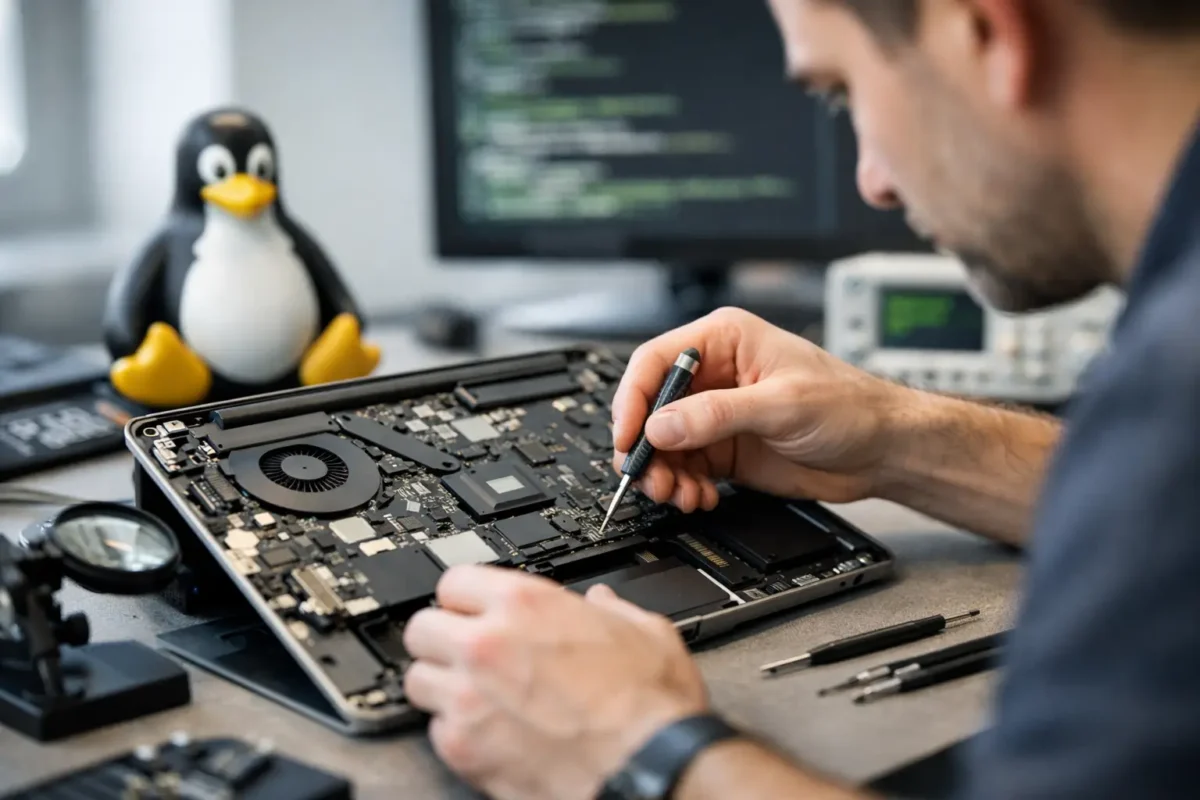
When a Linux machine fails, the problem usually does not fit the script used by a typical repair counter. The laptop may boot to a black screen after a kernel update, refuse to charge even though the battery is healthy, overheat under light workloads, or drop Wi-Fi because of a driver issue that only shows up on certain chipsets. A real linux laptop repair service has to handle both hardware faults and OS-specific behavior, because with Linux, those two worlds often overlap.

That matters more than people think. Plenty of shops are comfortable replacing a cracked screen or a dead keyboard. Fewer are willing to diagnose why suspend broke after firmware changes, why the NVMe drive disappears intermittently, or why a machine powers on but never hands off cleanly to the bootloader. If the technician only knows generic laptop repair, you can end up with a part swap that does nothing or a recommendation to replace a machine that is still worth saving.

What makes Linux laptop repair different

Linux laptops are not inherently fragile. In many cases, they are more stable and more maintainable over the long haul than consumer systems loaded with vendor bloat. The challenge is that Linux users often run a wider range of hardware, distributions, kernels, and custom configurations. That adds variables to the diagnosis.

A failing USB-C charging circuit can look like a software power-management issue. A graphics problem might be tied to a damaged GPU power rail, or it might be a driver mismatch after an update. A system that appears dead could actually be posting, but failing at display output because of firmware settings, eDP cable damage, or GPU initialization problems. Good repair work starts by separating hardware failure from software behavior instead of guessing.

That is where deeper diagnostics matter. If a shop treats every issue as a simple parts problem, Linux users often get poor results. The right process checks board health, power delivery, thermals, storage integrity, memory behavior, firmware state, and the operating system environment before anyone declares the machine finished.

What a proper linux laptop repair service should actually do

A serious linux laptop repair service should begin with symptom verification, but it cannot stop there. The goal is to reproduce the failure, identify the fault path, and fix the root cause. Sometimes that leads to a straightforward repair. Sometimes it reveals a more complex board-level issue that a basic shop would never attempt.

Start with diagnosis, not assumptions

If the laptop is not charging, the battery is not always the problem. The issue may be a damaged DC-in circuit, a failed charging IC, bad USB-C negotiation, a blown fuse, or corrosion around the power stage. Replacing the battery first is fast, but fast is not the same as correct.

If the system crashes under load, a proper technician checks more than temperatures. They look at fan behavior, heatsink contact, VRM stability, storage health, RAM errors, firmware status, and whether the issue is tied to one kernel, one distro, or every environment tested. That tells you whether the repair belongs at the board level, the component level, or the software level.

Handle software and hardware together

Linux users often know enough to try their own fixes, which is good up to a point. Reinstalling packages, changing kernels, rebuilding drivers, and editing boot parameters can solve a lot. But when repeated software work does not change the symptoms, you need someone who can move beyond the terminal and onto the bench.

That bench work matters when the fault involves power rails, storage communication, display output, thermal shutdown, or soldered components. It also matters after liquid damage, impact damage, or intermittent faults that only show up after the board heats up. Those are not problems you solve with a reinstall.

Repair at the board level when it makes sense

Board-level repair is not always the answer, but when it is the right answer, it can save a valuable machine at a lower cost than full board replacement. Linux laptops are often worth preserving because they are customized, well-built, or tied to a workflow the user does not want to rebuild from scratch.

That is especially true for business systems, engineering laptops, mobile workstations, and older premium models with good Linux support. If the failure is isolated to charging, a damaged connector, a failed capacitor, a shorted rail, or another repairable board fault, replacing the entire motherboard may be unnecessary.

Common problems Linux laptop users bring in

Some failures are universal across all laptops, and some show up more often in Linux environments because users push their machines differently.

Power issues are near the top of the list. That includes no power, random shutdowns, charging failures, battery drain, and overheating. These can come from worn batteries and fans, but they can also point to damaged charging circuits, poor thermal transfer, failed regulators, or board contamination.

Display issues are another big category. You may see no backlight, corrupted output, external monitor problems, flicker, or a black screen after boot. Sometimes that is software. Sometimes it is a damaged screen cable, failed display circuitry, or GPU-related board trouble.

Storage and boot failures are also common. A laptop may fail to detect the SSD, hang during boot, throw filesystem errors, or lose data after instability. A strong repair process protects the drive, checks for hardware faults, and avoids making the situation worse with careless troubleshooting.

Then there are the machines that have already been to another shop. Those are often the hardest cases. Missing screws, damaged connectors, torn pads, poor thermal paste application, and random replacement parts can turn a fixable problem into a bigger one. That is why in-house technical work matters. The less a device gets bounced around, the better the odds of a clean repair.

When repair is better than replacement

A lot of customers come in expecting to be told their laptop is done. Sometimes it is. If the board is heavily corroded, the CPU and GPU are both integrated and badly damaged, or the cost of repair exceeds the realistic value of the machine, replacement may be the smarter move.

But that is not the default answer. If the laptop has a repairable board fault, a failed port, a damaged screen assembly, memory or storage trouble, or a thermal issue that has not killed the board, repair often makes financial sense. The same goes for systems with specialized Linux setups, encrypted storage, dev environments, or business tools that would take time to rebuild.

It depends on the hardware, the fault, and the customer’s goals. Some people want the lowest-cost path to basic operation. Others need the machine restored properly because downtime costs more than the repair. A good shop explains that trade-off clearly instead of pushing one answer for every case.

How to judge a repair shop before you hand over your laptop

The easiest way to spot a weak provider is to listen for shortcuts. If every problem gets the same answer, the shop is not diagnosing deeply enough. If they only talk about replacing assemblies and never mention testing, board condition, or fault isolation, that is another warning sign.

Ask whether they work on Linux systems routinely or only “support” them in theory. Ask whether they handle advanced diagnostics in-house. Ask what happens if the issue turns out to be board-level rather than a simple part replacement. Those answers tell you a lot.

Shops with real technical depth are usually comfortable discussing process. They can explain why a symptom points to charging circuitry instead of the battery, why a black screen may involve the display path instead of the operating system, or why a data-sensitive machine needs a careful approach before any reinstall is considered.

That practical honesty is what customers actually need. Not every repair is cheap, and not every device is savable. But every customer deserves a real diagnosis and a recommendation based on evidence, not convenience.

For Linux users, that standard matters even more. Your laptop may be a daily driver, a development box, a mobile workstation, or the center of your business operations. If it is worth keeping, it is worth putting in front of technicians who can think past canned fixes and do the hard work properly. Amazing Technology Group Inc. built its reputation on exactly that kind of repair – real diagnostics, in-house technical skill, and solutions for machines other shops write off.

The best outcome is not just getting the laptop to power back on. It is getting it back stable, tested, and fixed for the reason it failed in the first place.